The Ultimate Guide to Verizon Internet Gateway Port Forwarding

Verizon is one of the largest telecommunications and internet service providers in the United States, and they offer a variety of router technologies to support their internet services. In this detailed introduction, we will explore Verizon’s router technology and the specific features of port forwarding that they provide to their customers.
Verizon Router Technology Overview

Port Forwarding with Verizon Routers

Port forwarding is an integral feature offered by Verizon routers, allowing users to direct incoming network traffic to specific devices or services within their local network. Whether you need to access local services remotely, optimize your online gaming experience, or host web services, port forwarding is a versatile tool Verizon routers provides. This functionality is highly relevant for those who seek to bypass Verizon hotspot limits or use the SIP protocol ports for voice communication.
Access to Local Services
Port forwarding enables users to make local services accessible over the internet. For example, you can set up a port forwarding rule to allow remote access to a security camera, web server, or a specific application running on a device within your network.
Optimizing Online Gaming
Gamers often turn to port forwarding to enhance their gaming experience. By configuring port forwarding rules, port forwarding Verizon routers can prioritize gaming traffic, reduce latency, and ensure a more stable connection for online gameplay.
Remote Access
Port forwarding allows you to access devices within your network remotely. This is useful for managing smart home devices, accessing files on a network-attached storage (NAS) device, or controlling IoT devices from anywhere.
Hosting Services
If you’re hosting a website, an FTP server, or other services on your local network, port forwarding enables you to make these services accessible to the internet.
Bypassing Verizon Hotspot Limit
Some users may use port forwarding to bypass Verizon hotspot limits. By setting up port forwarding rules, they can establish more control over their network traffic and potentially circumvent certain restrictions imposed by their ISP.
SIP Protocol Ports
Port forwarding becomes vital for those engaged in voice communication or VoIP (Voice over Internet Protocol) services. The SIP protocol, which is commonly used for voice and video calls, relies on specific ports that can be configured through port forwarding on Verizon routers.
How to Set Up Port Forwarding on Verizon Routers?

Here is a simple step-by-step process of how to set up port forwarding on Verizon routers:
- Open the internet browser on the device.
- Enter the router’s IP address in the address bar and press Enter.
- Log in to the IP address with the username and password.
- Navigate to the port forwarding section from the menu.
- Choose the desired device to direct the ports to.
- Assign the device a static IP address.
- Now, choose the ports that need to be forwarded.
- Enter the ports with the static IP address of the device.
- Choose the UDP or TCP protocols required.
- Finally, save the changes in Settings and restart the router.
Common Ports Used by Verizon Routers

Here are a few of the most common ports used by Verizon to provide port forwarding Verizon internet gateway to users:
- TCP/UDP Port 53 – Domain Name System (DNS) resolution
- TCP Port 80 – HTTP web traffic
- UDP Port 123 – Network Time Protocol (NTP) traffic
- UDP Port 161 – Simple Network Management Protocol (SNMP) traffic
- TCP Port 443 – HTTPS web traffic
- UDP Port 1194 – OpenVPN connection
- TCP Port 3389 – Remote Desktop Protocol (RDP) connection
- TCP/UDP Port 5060 – Session Initiation Protocol (SIP) traffic
- TCP Port 8080 – Proxy server traffic
Configuring Port Forwarding on Verizon Routers
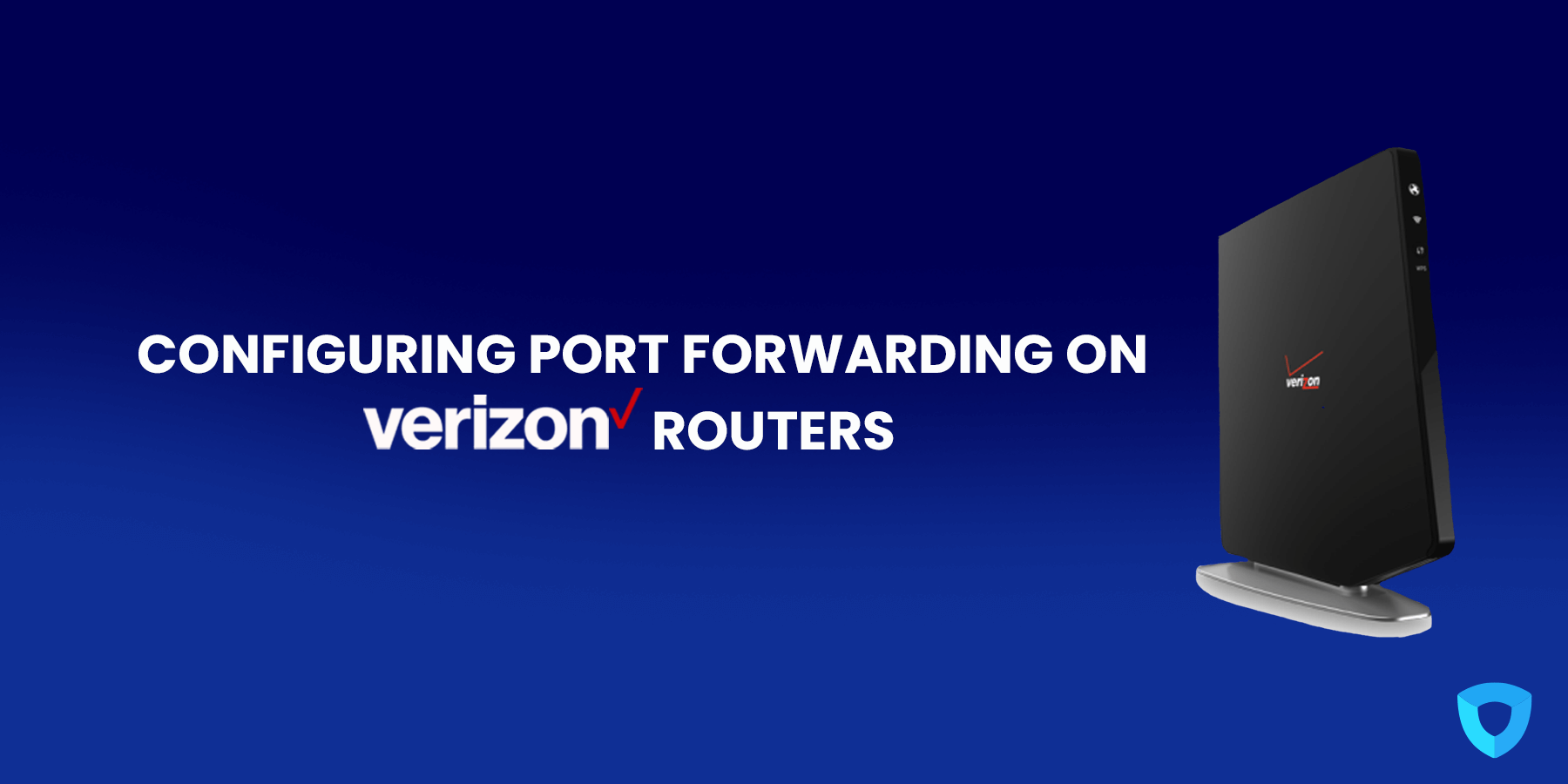
To set up port forwarding on a Verizon router, users typically need to access the router’s web interface through a web browser. Within the router settings, you can define port forwarding rules by specifying the external port, internal IP address, and internal port of the device or service you want to expose. Verizon routers often provide user-friendly interfaces to make this configuration process more accessible.
Security Considerations
While port forwarding is a powerful tool, it should be used carefully to ensure network security. Open ports can be potential entry points for hackers, so it’s important to carefully configure port forwarding rules, use strong passwords, and regularly update the devices and services accessed. Verizon may also provide security features to help safeguard your network.
How can Ivacy VPN help?
Port Forwarding is not the simplest of concepts. Not everyone can get port forwarding set up, especially if the person is not tech-savvy. Luckily, Ivacy VPN has got people covered. Ivacy VPN’s port forwarding addon makes the process simple. People can easily set up port forwarding on Verizon routers by following the process below:
- Sign up for an Ivacy VPN plan.
- Download and install the Ivacy VPN app or client.
- Sign in to the Ivacy VPN account.
- Go to the Members Area.
- Next, go to the Subscriptions tab.
- Then, go to the Configure section.
- Enter the desired port settings.
- Apply settings.

On a Final Note
In conclusion, Verizon’s router technology offers a feature-rich experience, including the essential capability of port forwarding. This feature empowers users to make the most of their internet connections by allowing remote access, online gaming, and hosting services. However, it’s crucial to use port forwarding thoughtfully and ensure the security of your network while taking advantage of this powerful feature.
Frequently Asked Questions
Here are some of the most commonly asked questions about port forwarding answered below:
Why should a person set up port forwarding on their Verizon router?
A person can communicate with external on the same internal network by setting up port forwarding on a Verizon router, and this is especially useful for gaining remote access to devices and hosting online games.
How do I find my Verizon router settings?
People can easily access the router settings of their Verizon router by going to the respective IP address through the internet browser. They need to ensure the device where the internet browser is being accessed is connected to the internet router, requiring a change in settings.
Which ports do I need to forward for PlayStation and Xbox?
Users will need to forward different ports depending on the gaming console being used. The gaming console’s support documentation may not necessarily provide the exact information. Here are the ports that are commonly forwarded for the respective gaming consoles:
Xbox
- UDP Ports – 88, 3074, 53, 500, 3544, 4500
- TCP Ports – 80, 3074, 53
PlayStation
- UDP Ports – 3478, 3479
- TCP Ports – 80, 443, 465, 993, 3478, 3479, 3480, 5223, 8080.
How do I check if port forwarding is working?
Users can check whether or not port forwarding is working by connecting a device from an external device using a specific port.
Does port forwarding affect network security?
Yes, port forwarding does affect network security. So, a person should always set up a strong password and keep their antivirus and firewall updated and running. They can also use a VPN service to add more privacy and security.