A 2025 Guide on How to Set Up a VPN
- What is Required to Set up a VPN?
- How to Set Up a VPN on Windows
- How to Set Up a VPN on macOS
- How to Setup VPN in Android
- How to Set Up a VPN for iPhone/iPad
- How to Set Up a VPN on Routers
- How to Setup VPN in Browser
- How to Choose a Good VPN Provider in 2025
- Is Ivacy VPN Easy to Set Up
- Some Best VPN Protocols
- Conclusion
- Frequently Asked Questions
A VPN is your best shot at strengthening your privacy and security. It also allows you to pick from a large number of international servers for several reasons, like accessing fancy streaming content from other regions, hiding your IP address from snoopers, and you can set it up on any operating system.
In this guide, we’ll explain how to configure a VPN on a variety of operating systems and devices.
What is Required to Set up a VPN?
In many cases, you’ll need the following things before setting up a VPN:
- A reputable and trustworthy VPN provider. You have to sign up and get the login credentials.
- Compatible device or operating system for VPN installation.
- Working internet connection.
How to Set Up a VPN on Windows

To set up a VPN on Windows 10/11 using the VPN app, here is what you should do:
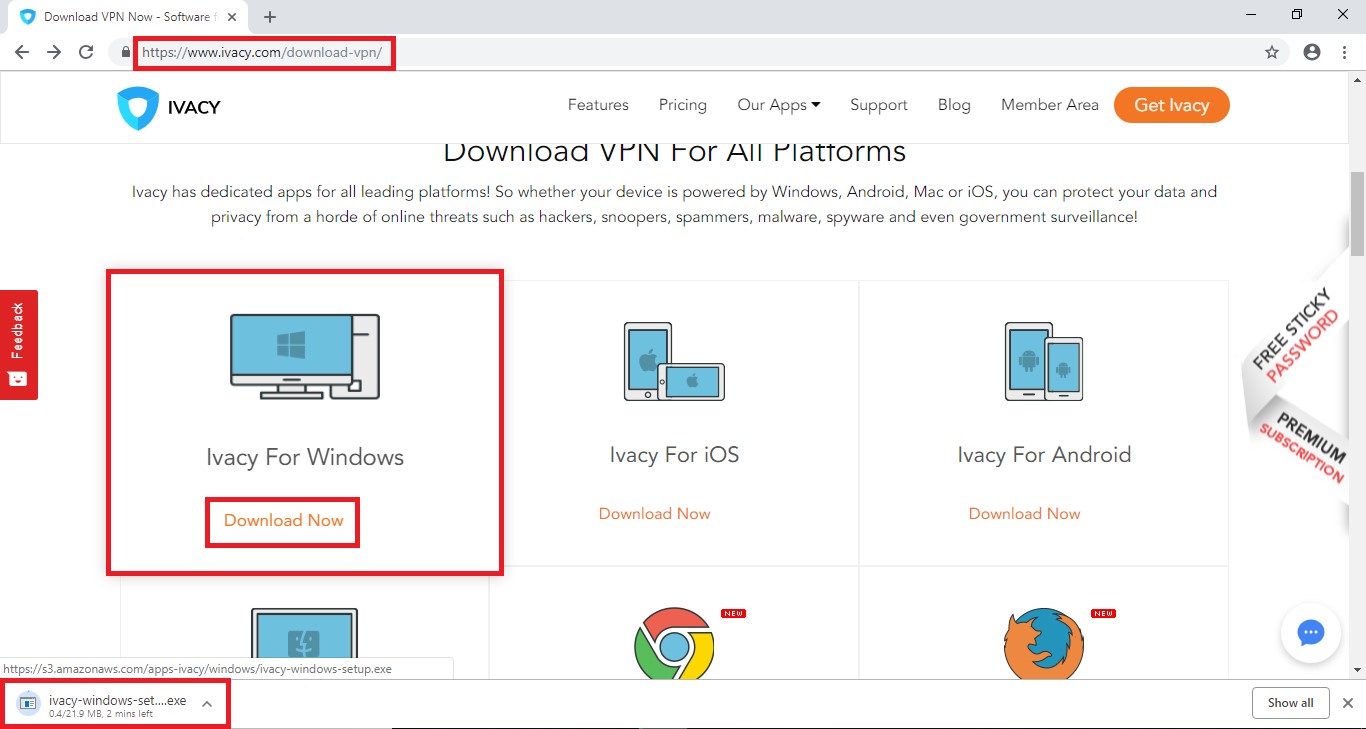
- Download the VPN app from its official website by going to the browser.
- Once the setup file is installed, install the VPN app.
- Launch the VPN and enter your credentials.
- Go to the server list and choose any location.
- Click “Connect“.
This will grant you instant anonymity and a precise IP address to bypass multiple restrictions.
How to Set Up a VPN on macOS

macOS offers marginal ease when it comes to setting up a Mac VPN, whether directly or manually. All you have to do is:
- Download the VPN of your choice from Safari or any other browser.
- Install the VPN app and launch it.
- Go to the server list and hit Connect.
How to Setup VPN in Android

There shouldn’t be any steps since you only have to go to the Play Store from your Android device and download the VPN app, which you have subscribed to. Once the VPN app is downloaded and installed, open it and find the server list. Choose any server of your preference and tap on Connect – easy-peasy!
Is VPN good for Android?
A VPN provides a plethora of benefits to you and your Android device by:
- Securing it and keeping it private through encryption
- Allowing you to bypass geo-restrictions
- Protecting your sensitive data on public Wi-Fi
- Prevent ISP throttling
- Split tunneling (filtered apps for VPN usage)
How to Set Up a VPN for iPhone/iPad
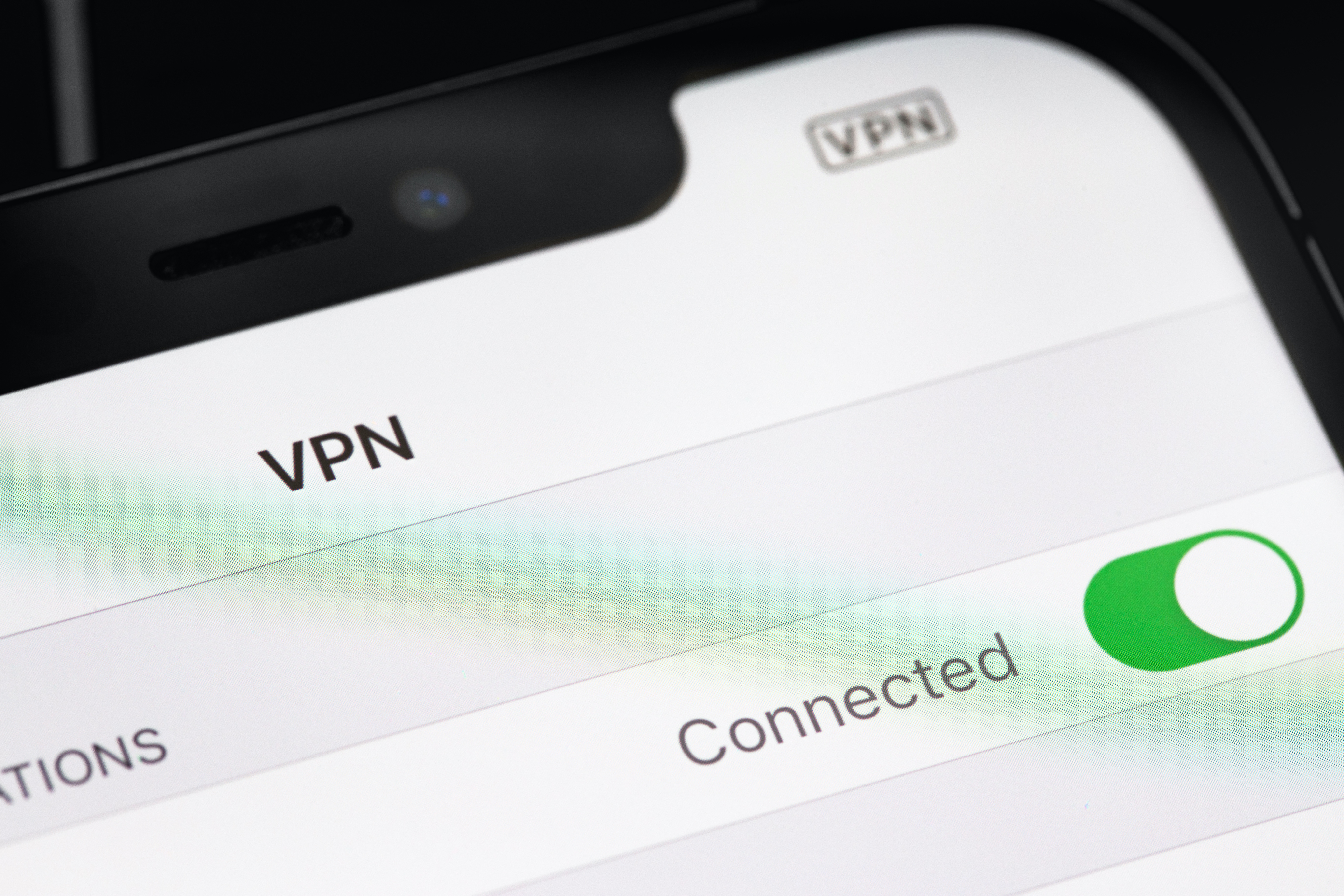
You can do the same as Android devices and get similar benefits by adding a VPN on your iPhone or iPad. Follow these steps for more clarity:
- On your iPhone/iPad, go to the App Store.
- Find the VPN and install it.
- Sign in and follow the instructions. You ned to allow adding VPN configuration.
- Now, open the app and Connect to any server.
How to Set Up a VPN on Routers

Not every router supports a VPN app; you have to check whether you have DD-WRT, OpenWRT, or AsusWRT type.
- Log in to the router’s admin panel.
- Go to the VPN section.
- Enter the following details
VPN type (PPTP or OpenVPN)
Server address.
Username and password.
Configuration files need to be uploaded, usually provided by the VPN provider.
4. Save the settings and activate the VPN client.
How to Setup VPN in Browser
Applicable for Google Chrome, Mozilla Firefox, and Microsoft Edge, you can install a VPN via browser extension by following this step-by-step guide:
- Go to the extension store of your browser and search for the VPN.
- Install and log in.
- Click on the extension icon appearing, it will prompt you to a small window with a server list.
- Choose a server and click “Connect“.
Note: Installing a VPN in your browser will only provide security to your browser-related tasks, such as encrypting traffic, and this will not apply to the whole device.
How to Choose a Good VPN Provider in 2025

Here are few good tips to find the best VPN provider in 2025 if you can’t decide because there are many reputable VPNs out there. But try to make sure not to go for free VPNs since they offer slower connectivity, lack encryption, and install malware in your device.
- VPNs with a no-logs policy do not store your data and hence pose no threat of selling it to third parties. Mark this feature in your future VPN.
- Only VPNs with strategic security features survive in 2025; these features involve 256-bit encryption, internet kill switch, IP-leak protection, and advanced VPN protocols.
- Should work against malware and ads; otherwise, it defeats the whole purpose.
- You must be able to use it to access geo-restricted content such as ITVX, BBC iPlayer, Netflix from other regions, and gaming servers that aren’t available in the US.
- Supports for multiple devices.
- Supports multiple routers and operating systems.
- You can count on a good VPN’s customer support, for they can help you with the setup guide and provide tips for troubleshooting at any time.

Is Ivacy VPN Easy to Set Up
Whether you are a beginner or an advanced user when it comes to setting up a VPN, Ivacy VPN offers one-click connect, simple installation, and major security features across all operating systems. The strict no-logs policy, user-friendly interface, split, tunneling, kill-switch, and ideal server locations make it a trustworthy option in 2025.
Some Best VPN Protocols
- Open VPN: This is definitely an excellent option since it’s more stable and, because of its open-source nature, it can easily work with any VPN software with a little modification.
- PPTP VPN: It stands for Point to Point Tunneling Protocol; it is most widely used as it is compatible with all the mobile operating systems in addition to Windows and MAC.
- IPsec and L2TP VPN: It stands for Internet Protocol Security and Layer to Tunneling Protocol, respectively, and it is a bit complicated to set up these VPNs; however, they are safer than PPTP.
Conclusion
If you want to set up a VPN, do not hesitate, since nothing could go wrong. Just make sure the VPN app supports multiple devices so you can protect your device alongside your family members. With Ivacy VPN, you can also stay one step ahead when it comes to securing your device against some common cyberthreats, mainly emerging from unprotected networks and malicious apps or emails that you have opened.
Frequently Asked Questions
Is setting up a VPN free?
A VPN app only shows its true potential when it is subscribed to. Otherwise, you have to face bandwidth issues with minimal server options that will not work so well to protect your privacy.
Are free VPNs the same as paid VPNs?
No, free VPNs have way more cons than paid VPNs since they are available with no cost. Furthermore, free VPNs tend to collect and share your data with third parties without your consent.
Can you set up a VPN yourself?
Yes you can! But make sure your router is compatible with a VPN. Only some routers come with a built-in feature for VPN support.