How To Ensure Smart TV Security in 2025

Smart TVs are not a security risk, but they are not immune to cyberattacks either! It is 2025, and we still rely on our Smart TVs for so many things these days, from streaming, gaming, browsing, to video conferencing at the office, we neglect the security risks on a daily basis.
Clearly, a Smart TV is a device that, when connected to the internet, can be vulnerable to hacking. That is why ensuring your Smart TV security is important. Let’s dive into some of the most common security risks of Smart TVs and how you can protect yourself from them.
Does a Smart TV Need Security?
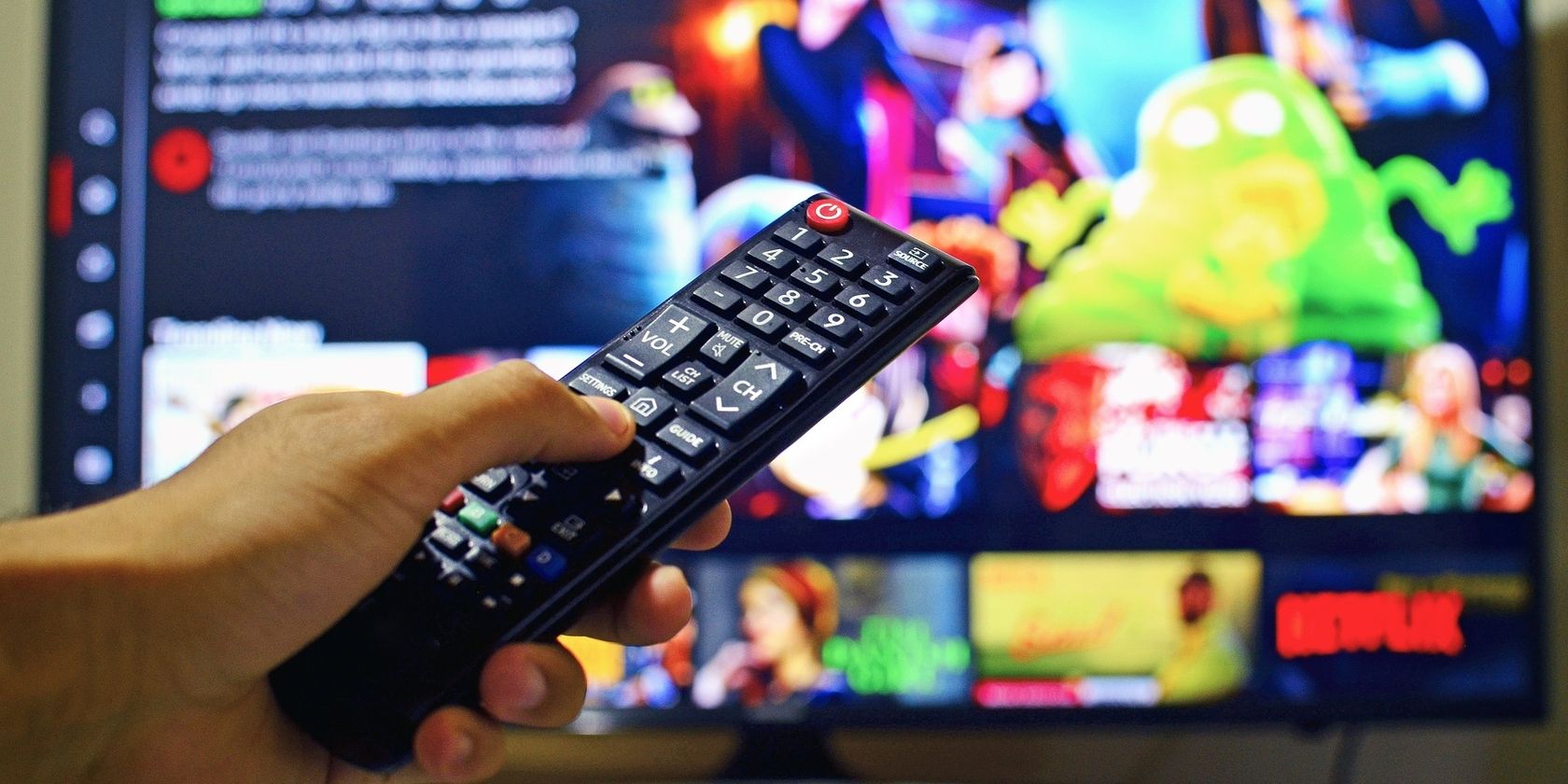
Smart TV runs on operating systems that are designed by the companies themselves. Also, they have access to the microphone, camera, and credentials info like Netflix’s account, Prime, Google, etc. Most of the time, Smart TV owners leave these access points as it is without securing them, and this is where eminent cyber threats emerge. If hackers get access to your Smart TV, it is possible they can:
- Track your activity, i.e, streaming, searches, and conversations.
- Hack your personal data, such as credentials.
- Trigger phishing messages.
- Use your Smart TV as a tool for a larger network of hacked devices (Botnet).
Smart TV and Security Risks

Smart TVs that are connected to the internet can be hacked or face security threats, which end up compromising user privacy and sensitive data. Some of the common security threats Smart TV faces in 2025 are:
1. Camera and Microphone Hijacking
In this situation, cybercriminals gain unauthorized access to your Smart TV’s built-in microphone and camera so they can spy on your online activities. This is indeed a serious privacy intrusion and is common on Smart TV models with voice-enabled and video-calling features.
2. Data Harvesting
Yes! Your Smart TV can be a victim of data harvesting because it collects data based on your behaviour, preferences, viewing habits, and location. All this information can be accessed and sold to third parties without your consent, ONLY if you leave your Smart TV unsecured.
3. Phishing Apps
They may be of any kind with the aim to trick you into providing them your login information, which can be pretty much devastating once they get it.
4. Outdated Firmware
Creates more vulnerabilities than anything! Hackers would love to exploit these loopholes and gain control of your device.
5. Unsecured Wi-Fi Connection
If your Wi-Fi connection is not encrypted or if you are connected to a public Wi-Fi, this will give hackers so many chances to intercept your data and install malicious spyware.
6. Infected USB Devices
To ensure the Smart TV security, never plug an infected USB drive since it will unleash thousands of malware to enable unauthorized access. This happens only if your Smart TV lacks essential security protocols.
Tips for Ensuring Smart TV Security in 2025
Following these tips, you can make your Smart TV private while ensuring its security in today’s digital surroundings.
- You can start by Disabling Smart TV functions like the camera and microphone when you are not using them. Turn off the Bluetooth and location features to prevent tracking attempts from hackers.
- Keeping your Smart TV firmware and other applications updated is a straightforward process that ensures you fill in the security holes. You can either keep the auto-update enabled or go to your Smart TV’s official website to download the OTA updates.
- Securing your network connection by employing a strong password and keeping your Smart TV on a different network will keep it safe from other devices. Enabling WPA3 encryption in your router is another effective way to maintain Smart TV privacy.
- Check privacy settings to prevent or limit data collection. You can also stop ad tracking and disable the diagnostic data share.
- Download the apps for your Smart TV from the official stores and not from any third-party.
- If you are thinking about inserting an external device in your Smart TV, run a thorough scan using an antivirus program first.
- Using a VPN router is useful to encrypt your internet traffic and hide your online activities from cybercriminals. Setting up a VPN on your router is also the same as connecting your Smart TV to a secure network.

How to Know If Your Smart TV has been Hacked?
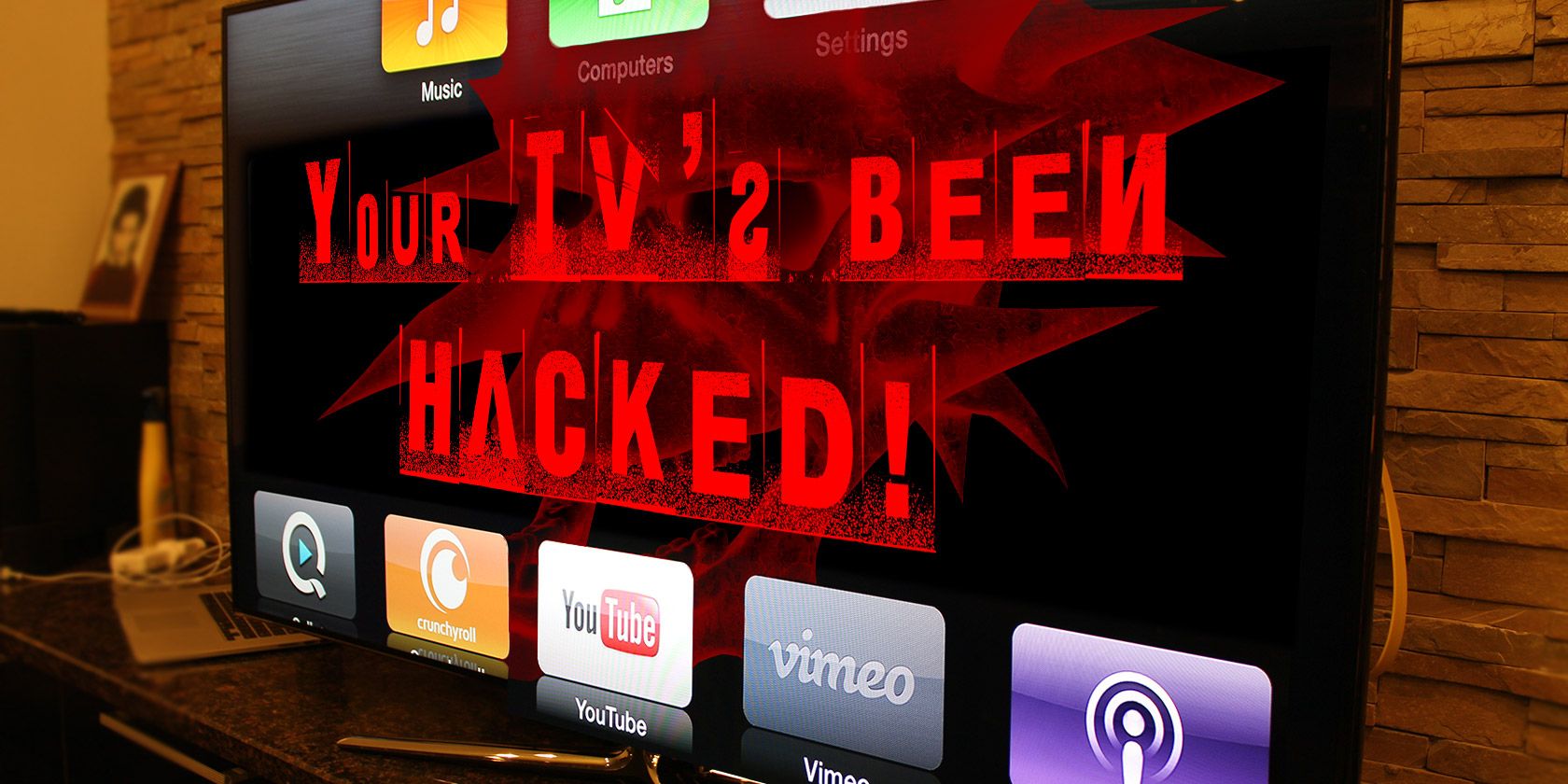
There will be few signs showing your Smart TV has been compromised, these are:
- Volume changes and app opens on their own.
- Frequent reboots and crashes.
- Slow internet connectivity despite a stable connection.
- Flickering camera light.
- Purchases and subscriptions linked to the Smart TV account.
Is It Safe to Use VPN on Smart TV?

Only VPNs with built-in features for smart TV protect them by encrypting the internet connection. VPNs are also used alongside Smart TV to bypass geo-restrictions and access blocked content like Netflix US from anywhere.
Moreover, since privacy is of utmost importance, ensure you are using a no-logs VPN provider, such as Ivacy, that does not track its users’ internet activity. Your IP address remains hidden, and you become anonymous to cyber criminals, ISPs, and government surveillance. Setting up a VPN on an Android-based Smart TV is also relatively easy.
Conclusion
Smart TVs are the center of attraction for every living room in today’s world, and they can also be hacked and become a vector of cyberattacks. All it takes is a few know-how about ensuring Smart TV security, where updating it to the latest firmware and using a VPN router turns out to be the best ways to make your Smart TV private and keep the entertainment unaffected by malicious attempts.
Frequently Asked Questions
Can a Smart TV get infected with a virus?
Although rare, Smart TVs can be infected with malware or a virus through various apps, external drives, or an unsecured Wi-Fi connection.
Is it necessary to install antivirus on Smart TV?
Most Smart TVs do not support the common antivirus software that we use on our mobile devices and laptops. You can protect your Smart TV by securing your network and keeping it updated.
Are voice assistants safe on Smart TVs?
Voice assistants collect users’ voice data, which you can also find in their privacy terms and agreements. For the best, disable this function when you are not using it.
Can someone see you through your Smart TV camera?
If your Smart TV has a camera, it can be compromised. Therefore, the best practice is to cover the lens or disable it from the settings menu while not in use.