All It Takes One Malicious Email to Breach Your Privacy
Fact: 90% of cyberattacks occur in the form of malicious emails, which can damage an individual’s or an entire company’s system. Malicious emails, also known as email phishing, have been around for a long time, sent by cybercriminals to bypass your privacy and security protocols.
But there are solutions through which you can dodge these risks. In this guide, we’ll explore how malicious emails work and what the workarounds are to get your privacy intact in 2025.
Why Malicious Email is #1 Cyber Threat in 2025
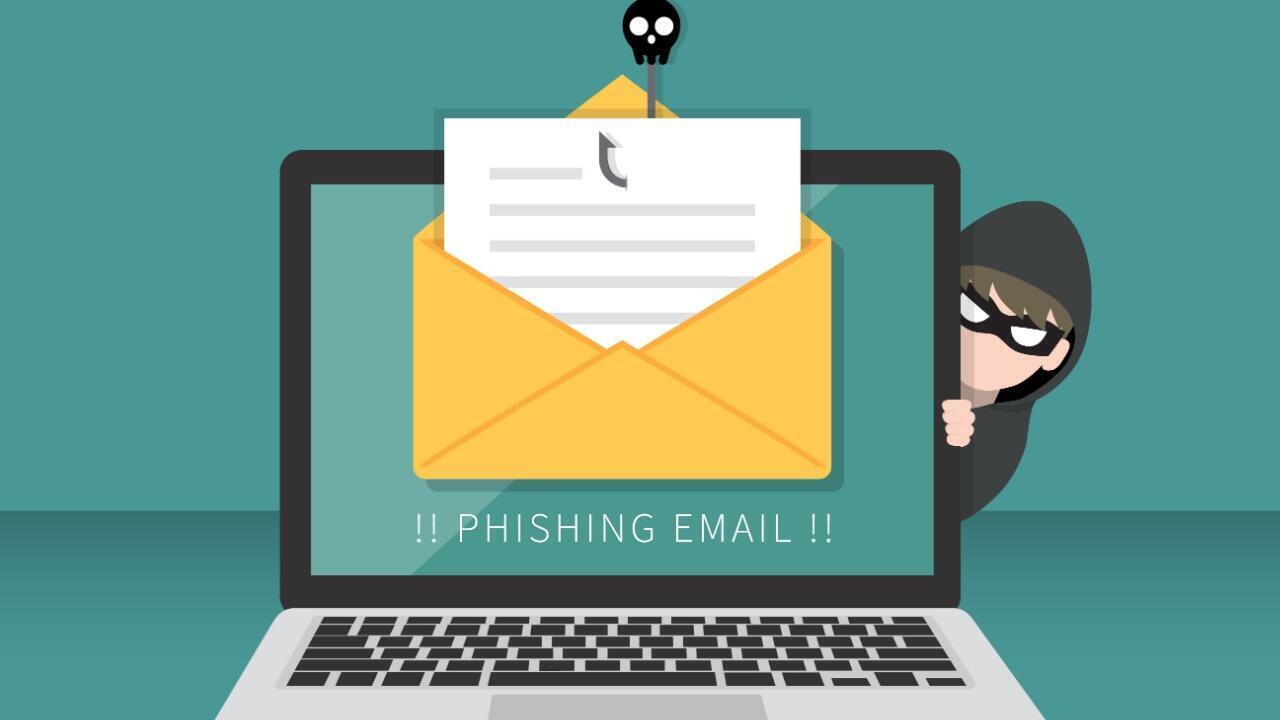
Not just in 2025, phishing emails have been the top cyber threat for many years. According to FireEye’s 2025 Cyber Threat Intelligence Report, 91.3% of cybercriminals use malicious email as a method to target their victims. That’s because:
- Malicious email costs nothing for attackers but is extremely rewarding.
- You can choose any brand or a person to impersonate.
- Many organizations have weak email security protocols.
- Due to the excessive mobile usage, malicious emails are often left undetected because the sender’s email ID is hidden most of the time.
How Malicious Email Disguises Itself?
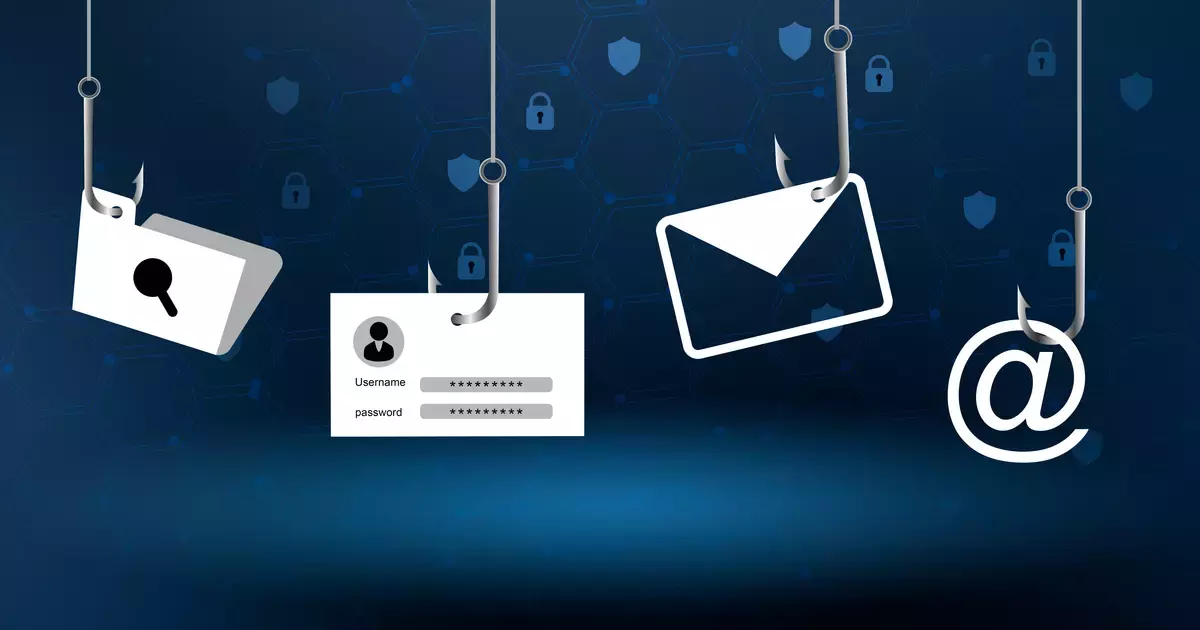
Mostly, malicious emails disguise themselves by email spoofing, where they appear to be sent from a trusted brand like PayPal, Microsoft, or any local service provider. There will be a company’s logo to make it more trusted, and the names of senders will also not raise any suspicions since they are so well-crafted.
A malicious email can also disguise itself by spear phishing, a type of attack that targets particular individuals or sectors like the finance or HR department of a company.
Whaling is an attempt intended for executive-level individuals who are responsible for transferring a large sum of the company’s money from one account to another. Sometimes, hackers impersonate a CEO or CFO to extract the financial details.
Credential harvesting is an advanced technique that lures people into accessing a portal-like website that they know. It is aimed at simply gathering your credentials, i.e, login ID and password.
Some malicious emails have attachments or links that, when clicked, can instantly install a Trojan, ransomware, and spyware in your system.
How to Identify Phishing Email
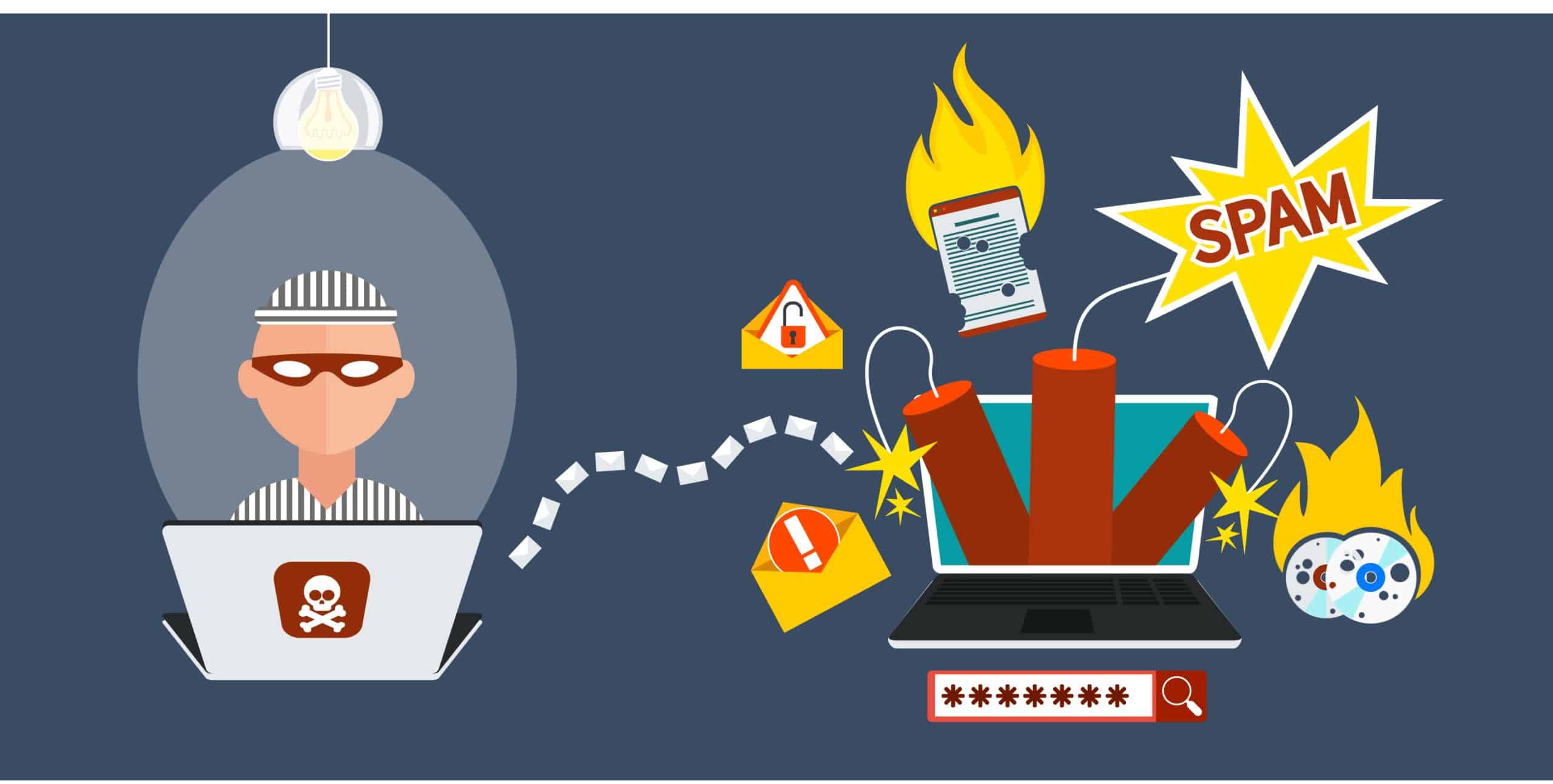
Pay attention to the details, as spotting a phishing email is not rocket science.
- Verify the sender’s email address because they simply made it up in a minute. There will be a slight change in the spelling because hackers wouldn’t have a proper domain name, so they’ll use Microsoft instead of Microsoft.
- Emails that call for urgent action cannot be trusted, even if they tell you that your account will be suspended or whatsoever. Malicious emails are supposed to arouse a sense of urgency in recipients so they panic and take rash decisions.
- Phishing emails sent to millions of people generally use generic greetings so they can save time personalizing them, and it applies to everyone. If you have been greeted as a customer and not by your name, something is definitely not right.
- Lots of grammatical and spelling errors can be found in malicious emails, since hackers do not really check these mistakes.
- Emails that offer you some sort of gift or money after you open the attachment within the email are definitely part of a scam. If you haven’t been expecting an email like this and receive one, don’t trust it!
How Can You Protect Against a Phishing Email?
Here’s how to protect yourself against phishing emails in 2025:
- Always keep the Two-Factor Authentication on email apps, social media platforms, financial platforms like cryptocurrency exchanges, and cloud storage. 2FA protects you from phishing emails at times when your credentials have been compromised.
- Keep the auto-downloads for email Disabled; this way, you can avoid downloading files before verifying their authenticity.
- Whether you are using a mobile phone or a desktop, it is crucial always to check the sender’s email address.
- Organizations must conduct training sessions for their employees about the evolving cybersecurity threats. According to the report, educating them can reduce the chances of phishing emails by 70%.
- Having an anti-malware tool like VPN is extremely valuable because it encrypts your internet traffic and analyzes every URL before it to avoid phishing emails.

How a VPN Protects You from Malicious Emails
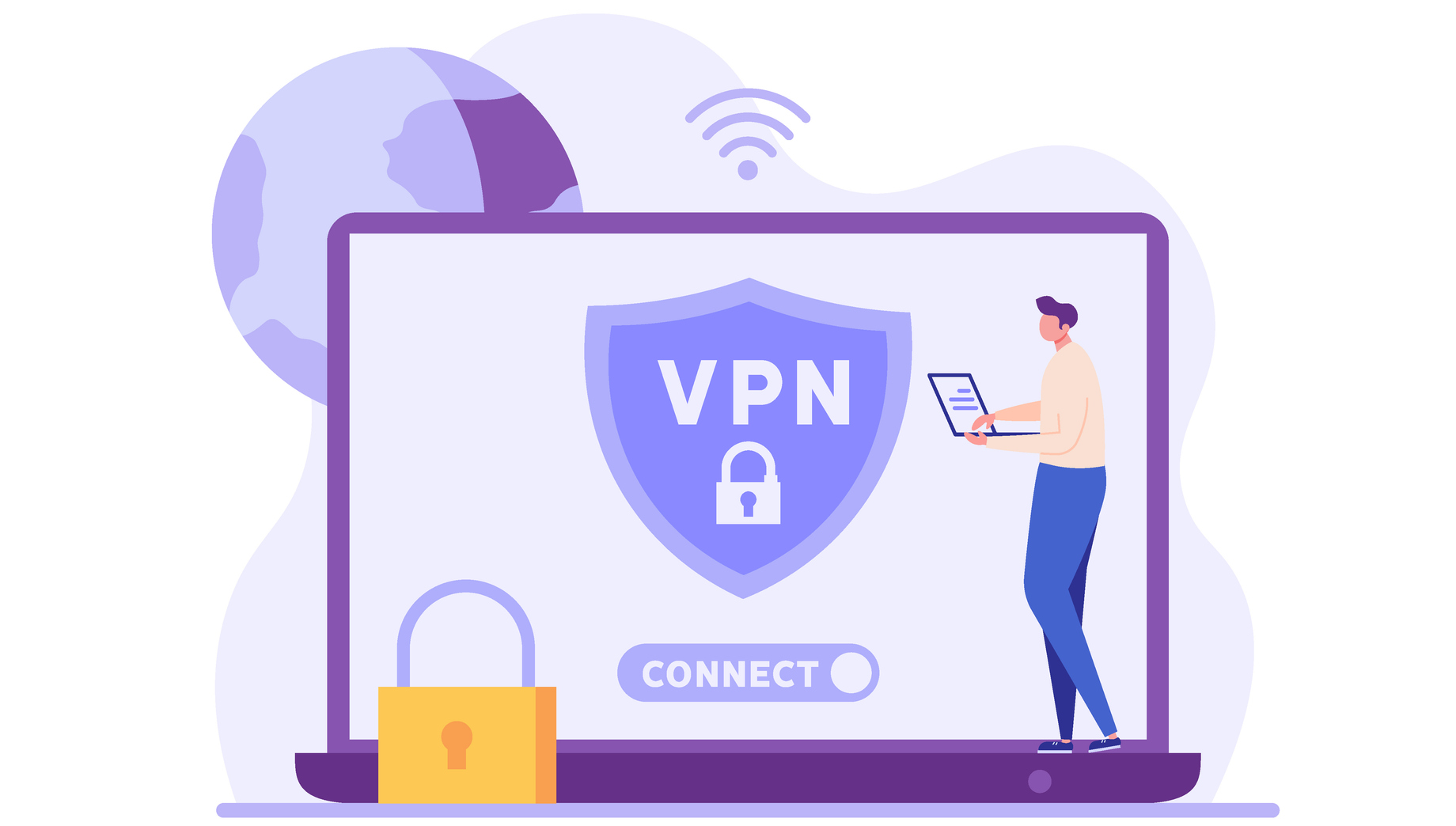
Modern VPNs like Ivacy VPN are not just used to hide your IP address so you can access geo-restricted content; they are also known to have a real-time email threat detection system that can identify malicious links and emails before they reach you.
Another useful feature for those who are tired of receiving malicious emails is “Phishing URL Inspection,” which works by scanning the attached URLs in emails. There is also another benefit of using a VPN; you can have a secure Wi-Fi connection because Ivacy VPN prevents all types of MITM attacks that mostly occur on public networks.
Conclusion
Cyberattacks utilize emails most of the time to target users, which is why your first line of defence should be ready. All it takes is just one wrong click to lose your sensitive data and customer trust for companies. You can start by enabling two-factor authentication and verifying the sender’s email address, which will allow you to foresee these cyber threats before they can do any damage.
In 2025, the ideal way to minimize these threats and guard yourself against malicious emails is by having a top-notch VPN such as Ivacy VPN on your device to maintain your privacy, security, and anonymity so that no malicious email can reach you.
Frequently Asked Questions
What is a malicious email?
Malicious email is a form of cyber threat that contains an attached file or a link for recipients to open. After they click on it, their system is infected, and information is compromised
How to report a scam email?
For Gmail users, go to the message, click on Reply, and then More. Click on Report Phishing to report it as a scam.
How do I stop receiving malicious emails?
You can stop receiving malicious emails by using an email filter, unsubscribing from unwanted emails, and blocking them.
Does a VPN protect against malicious emails?
A VPN changes your IP address and hides your internet traffic via an encryption method, which makes it appear to hackers as if you are not even there.