



close
Exclusive 5 Years VPN Deal
$1.99/Month
We use cookies to give you the best user experience. I agree Find out more

VPN 101

VPN 101

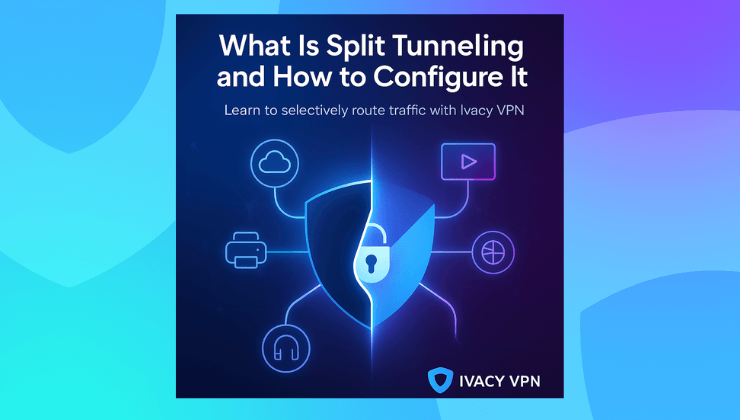
What Is Split Tunneling and How to Configure It

Split-tunneling-how-it-works
If you have ever tried using a VPN and then suddenly lost access to your local network printer, cloud backups, or even a favorite streaming site, you already know the pain of full-tunnel VPN routing. It is secure, sure. But also rigid. This is where split tunneling becomes one of the most underrated yet powerful features in any VPN toolkit. It is not just a technical buzzword. It is what makes your VPN actually usable day to day. What is split tunneling in VPN Split tunneling is a VPN feature that lets you route only specific apps or websites through
read more
VPN 101

How Many Simultaneous Connections Can You Make With A VPN?

multiple-simaltaneous-connections-vpn
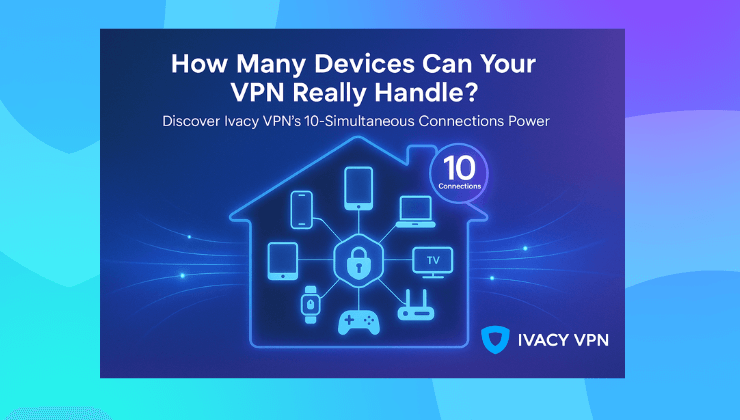
The average household has over 22 connected devices. Phones. Tablets. Smart TVs. Laptops. Consoles. Smartwatches. And let’s not forget those silent data-hoggers like printers and voice assistants. Here is the real question. When you get a VPN subscription, do you need one for each of those devices? Or can one account cover them all? And how many connections is too many? Let’s break it down. The rise of multi device chaos It used to be simple. You had a desktop. Maybe a laptop. Maybe one person in the house. Now even a one person setup can easily involve five devices.
read more
VPN 101

Difference Between a Browser Extension and a VPN Client

difference-between-browser-extension-vpn-client
Over 5 billion people use the internet daily. But most don’t realize their browser isn’t their shield. That “incognito” tab? It does not hide you. The browser extension that says “private”? Half the time, it's just protecting your Google searches, not your actual connection. And that’s where things get blurry. A lot of people assume a VPN extension is the same as a VPN client. It's not. So let’s talk about it. But before we get into the technicals, let’s take a step back. The illusion of online privacy You open your laptop, connect to WiFi, fire up Chrome, and
read more
VPN 101

Most Common Windows VPN Errors and How to Fix Them

VPN-errors-for-windows-how-to-fix-them
VPNs are great until they suddenly stop working. One minute you are securely logged into your company server or bingeing a restricted show, and the next, you are staring at a vague Windows error like "The remote connection was not made." Sound familiar? You are not alone. A recent survey found that over 49 percent of VPN users have experienced a connection error on Windows in the past year. That is a lot of frustration and a lot of time lost to troubleshooting. So what actually goes wrong? Let’s unpack it. Why VPN errors on Windows are so common Windows
read more
VPN 101

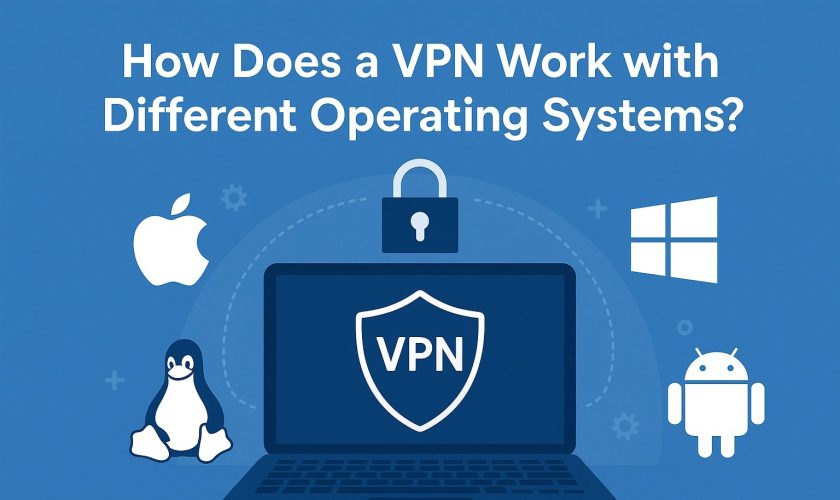
How Does a VPN Work with Different Operating Systems?

vpn-os-guide
Over 90% of the global internet population uses either Windows, Android, iOS, or macOS to get online. As of 2025, Android accounts for roughly 46 % of global operating system usage, followed by Windows at 25 %, iOS at 18 %, and macOS at 6 %. But here’s what most users don’t realize: a VPN doesn’t work the same way across all of them. Sure, the core purpose stays the same: secure your connection, hide your IP, and give you access to a freer internet. But how does that happen in the background? That depends entirely on the operating system you’re using. Let’s break that down. Because
read more
1 5 6 7 8 9
Page 7 of 9
Live Chat