Privacy Guide: Fighting Mass Surveillance Using Privacy Apps
Everyone who uses the internet leaves a digital footprint. Some, if not all, of our data, is visible to others (our social media acquaintances, businesses, hackers, and the government). The illusion of privacy lessens with each passing day, while the likelihood of data breaches rises.
Ever wonder how much of your personal information is on the internet?
Anyone who saw “You” realized how simple it was for anyone to obtain personal information such as a person’s home address, friends’ names, interests, or favorite places based on what they publicly published. When you attempt to build a mental list of personal data, you’re willing to disclose with total strangers — and those you’d prefer not — the necessity of digital privacy becomes evident. You don’t want your medical data, bank statements, or even specific things from your shopping cart to be public.
Many devices will already be hacked by the time you finish reading this post. According to Security Magazine, an average of 2,244 cyberattacks occur every day. These statistics show that around 2,244 attempts are made daily to modify your computer files, steal data, or perform other cybercrimes via another person’s device.
The frightening bit is that one of these devices could be yours too.
Privacy and Mobile Apps
Nowadays, the average smartphone user has between 60 and 90 apps on their device. Most of these applications will ask you for information about yourself and your device. They could want to know your name, email address, or physical address.
Worryingly, a small number of the apps also employ abysmal security and privacy practices. Ideally, every app should, but most apps don’t have any such privacy policy.
According to research, fifty-two percent of apps share your data. Apps acquire data for a variety of purposes. One of the primary motivations for improving your experience by recording how you interact with them to address faults and enhance their functionality. However, they utilize your information to target you with adverts across all platforms. We’ve all seen it: we finish browsing on one app, and then an ad for something we just looked at surfaces elsewhere.
They do this by disclosing your data to third parties, which the survey found that more than half of all applications do. Third parties may be affiliated with the firm that administers the app, or they may pay a fee to access its customers’ data.
However, some privacy apps do the opposite. Privacy apps protect your privacy by adding a security layer to your operating system.
Do Your Apps Respect Privacy?
No, and it is mainly owing to your negligence. Why am I saying this?
How often do you go through the terms and conditions before clicking the ‘I accept’ button to install an app? Or how many times have you pondered before granting any application access to specific data on your device?
Most people would probably say ‘0’ to both of these questions.
That is the source of the problem. Some permissions are required, such as when you order a cab using a taxi app, but does it need to access your contacts or send an email? No! But it may still happen because you let it.
When you use a browsing app, it tracks your search history to present you adverts you might be interested in, which is also a breach of privacy. Not only that, but when you make an online financial transaction, the website may save your credentials and card details for future use (or so they say). Not only that, but the cloud apps where you keep your data can easily be hacked to gain access to your files, documents, and other data.
And this is how most apps breach your privacy.
Which apps violate your privacy?
Your phone knows practically everything about you. Where you work, reside, go, who you hang out with, and what you write in emails and texts are all factors. Many of the apps you use are similarly nosy, although some are more so than others. These are the worst applications that invade your privacy.
Because it follows you across all of its applications and websites, Facebook is the worst app for privacy. It even follows you when you log out of it. Almost every permission is required by the app, including:
- Text messages, call logs, contacts
- Microphone and camera
- Internal storage
- Wi-Fi
- Location
Weather Apps
Your brand-new weather app wants to know where you are. After all, it can’t tell you the weather if it doesn’t know where you are.
However, if you allow permission, the app records your whereabouts 24/7 and sells this information to marketers, putting your phone’s security and privacy in danger. There are countless such apps, and they all sound the same:
- AccuWeather
- WeatherBug
- The Weather Channel Application
Words with Friends and other mobile multiplayer games
Interaction and player involvement are crucial to multiplayer games. You solve puzzles, level up, and have a good time with your friends and family.
On the other hand, Words with Friends gather an excessive quantity of personal data, making it one of the worst applications for privacy.
Zynga, the company behind Words with Friends, FarmVille, and many other popular games, collects and logs a wide range of personal information:
- First and last name
- Username
- Age and Birthday
- Gender
- Address book contacts
- In-game purchases
- Facebook ID
- Physical location
The Next App You Install
NSA hacked the famous game Angry Birds in 2014, and users’ data was siphoned. Since then, the developer claims that the vulnerabilities in the app have been rectified.
In another incident, a popular flashlight app was charged because it shared location data with third parties without user consent or knowledge.
These cases show that you cannot know about the worst privacy apps from past incidents. Vulnerabilities are fixed only when they are known. And malicious apps are only blocked from App Store and Google Play only when found.
There is a huge possibility that the next app you install can compromise your privacy if you don’t have privacy apps installed on your phone.
List of Privacy Apps that Protect Your Data and Anonymity
There are, of course, simple options that can assist in alleviating some of these concerns to safeguard your privacy. However, if you are concerned about privacy, anonymity, and security, you will most likely need to go a step ahead.
However, using privacy apps such as a Virtual Private Network (VPN) service, some of which are accessible, like Ivacy VPN, is one of the most excellent methods to secure your privacy. Authentication software, password management, browser plugins, and keychains are other available options.
As a result, these are the top 10 smartphone privacy apps and software options.
DuckDuckGo
DuckDuckGo is a search engine privacy app that does not collect or disclose personally identifiable information. Instead of monitoring, storing, and sharing your search history, DuckDuckGo uses a redirect approach that protects your data at all costs.
Tor Browser
The Tor browser, like DuckDuckGo, is one of the privacy apps dedicated to providing users with anonymity. Tor distributes your traffic through proxies to mask your IP address, and search history is always instantly destroyed so that anyone who uses your computer can’t see them.
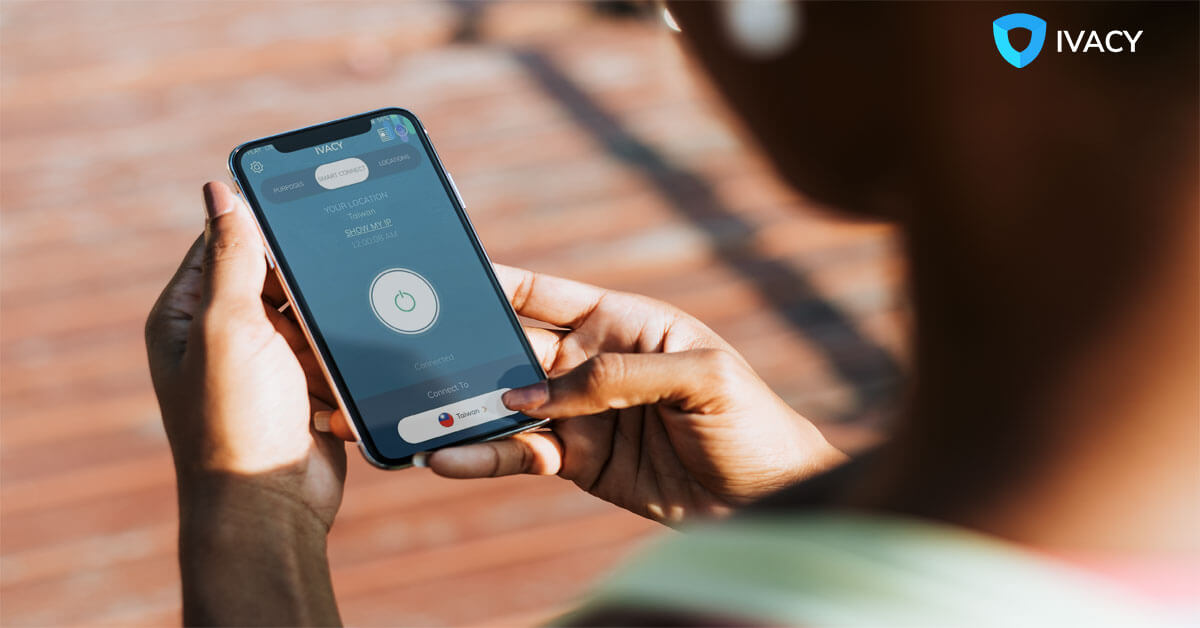
Ivacy VPN
Ivacy VPN uses military-grade encryption to safeguard your digital footprint, whether you’re working or playing. With a rapid connection to over 1,000 distinct servers in over 100 locations across more than 50 countries, you can protect your genuine web presence from hackers, trackers, malware, and government spying. While it is a paid service, you will never regret investing in Ivacy VPN.

ProtonMail
ProtonMail is considerably more secure than Gmail and its competitors. You may use the privacy app to send password-protected emails and texts that self-destruct after a specified time. Because all messages are encrypted, even the corporation cannot decipher the content of your conversations.
Norton Security and Antivirus
Norton is a well-known name in the antivirus sector, and its privacy app is jam-packed with helpful features. Aside from scanning your smartphone regularly, it also allows users to block unwanted calls and text messages, remotely lock devices, and find the device on a map if lost or stolen.
WeTransfer
WeTransfer is also one of the best privacy apps that follows a robust privacy and data protection policy by default, following the Dutch Personal Protection Act. All files are encrypted both when they are transferred and stored. The files are only accessible via a unique URL to the sender and receiver.
Smart AppLock
The next on our list of best privacy apps is Smart AppLock. This privacy app lock allows you to change your phone’s permissions for specific apps. This implies that a third party cannot access your WhatsApp, Facebook, or Twitter applications until they enter a different password.
Signal
Although private communication should be maintained between those engaged, this is not always the case, but there are not many privacy apps for chatting. Thankfully we have Signal!
Using a privacy app like Signal, private communication is possible, enabling end-to-end encryption for texting and audio calls. Signal is yet another fantastic privacy app you need to get on your phone if you want to protect your communication. It is one of the excellent privacy apps for iPhone text messaging
Firefox Focus
Next on our list is relatively new among the privacy apps for iOs and Android, Firefox Focus. With Firefox Focus, you can be confident that the browser is not monitoring your web activity on your phone or tablet and that your history and cookies are deleted when you close it.
Consequently, the browser is relatively quick because there is less stuff to load. Furthermore, content blocking protects users from adverts that include covert data collecting trackers.
Medium
Medium is the last but not least on our list of the most incredible privacy apps. Medium does not transfer information about you to third parties for advertising reasons, which means that Medium will not profit from your sale. Medium is likewise uninterested in what you do outside their network; thus, they do not track your internet behavior. They do not track you across the web once you leave Medium.
Bonus Apps
Bouncer
Bouncer is an excellent privacy app on the market. This privacy app allows you to revoke permissions from apps with minimal effort automatically. For example, suppose you wish to check in to a location on Facebook. You may enable location permission and then configure Bouncer to delete it after 15 minutes. As a result, Facebook no longer has the authorization.
GlassWire
GlassWire is an excellent privacy app. It serves two purposes and tracks your data consumption. Monitoring data is beneficial for people who have metered data on their phone plans. It also displays the apps that are consuming your data in real time. When an app connects to its servers or utilizes your data, you may see it. With that knowledge, you may change your use or app choices accordingly.
Frequently Asked Questions
- Which is the best app for privacy?
Ivacy VPN is the best privacy app on the market right now. It protects your online privacy by converting a public internet connection into a private network and hiding your IP address to keep your online activities confidential. It also offers private and encrypted connections, which increase the privacy and security of the data you transmit and receive. Privacy apps download as quickly as other apps on your phone.
- What is the privacy app on Android?
The privacy apps for Android keep others from seeing what you do and let you know what companies are doing to you. There are plenty of privacy apps available on Android, but not all are great, so you will need to do your homework to find the best one.
- Is there an app for privacy?
Yes, there are plenty of privacy apps for iPhone and Android. You can find some of those apps above.
- What apps should not be on my phone?
Plenty of apps are available on PlayStore and AppStore that access your data and share it with third parties to get money out of it. Some of the apps that should not be on your phone are mentioned above.