VPN for Warzone Players to Get Easy Lobbies
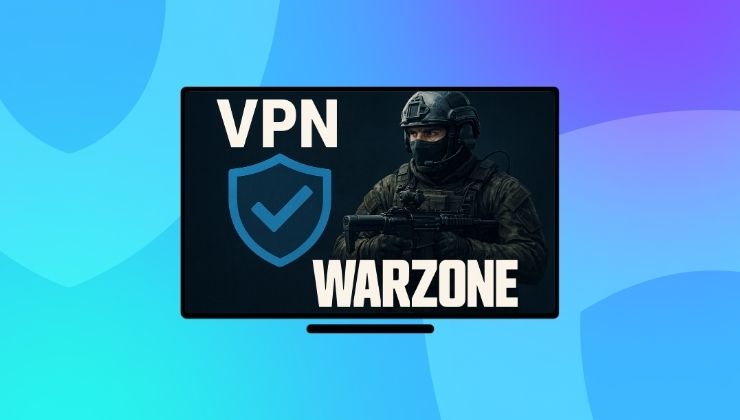
Call of Duty: Warzone is one of the most edgy and competitive battle royale games, which is fun and enthralling. However, there are times when Warzone enthusiasts face the following problems:
- Lobby with high-skilled players, and diminish your chance to win every time.
- DDoS attacks and harassment on the basis of your IP address disrupt it for both streamers and normal players.
In this guide, we’ll explain how using a VPN for Warzone can make a big difference when it comes to finding easy and less competitive lobbies, alongside minimizing cyberattacks in gaming.
Warzone VPN – What is it about?
VPN (Virtual Private Network) is a specialized software that means to changes your IP address and encrypts your connection. To Warzone players, it assists them with the following things:
Allows them to ditch the formal skill-based matchmaking by connecting their device to the less competitive regions.
Gives them immunity from DDoS attacks because of the hidden IP address, which helps them avoid disconnection during the games, location tracking, and harassment attempts.
Benefits of Using a VPN for Warzone Players
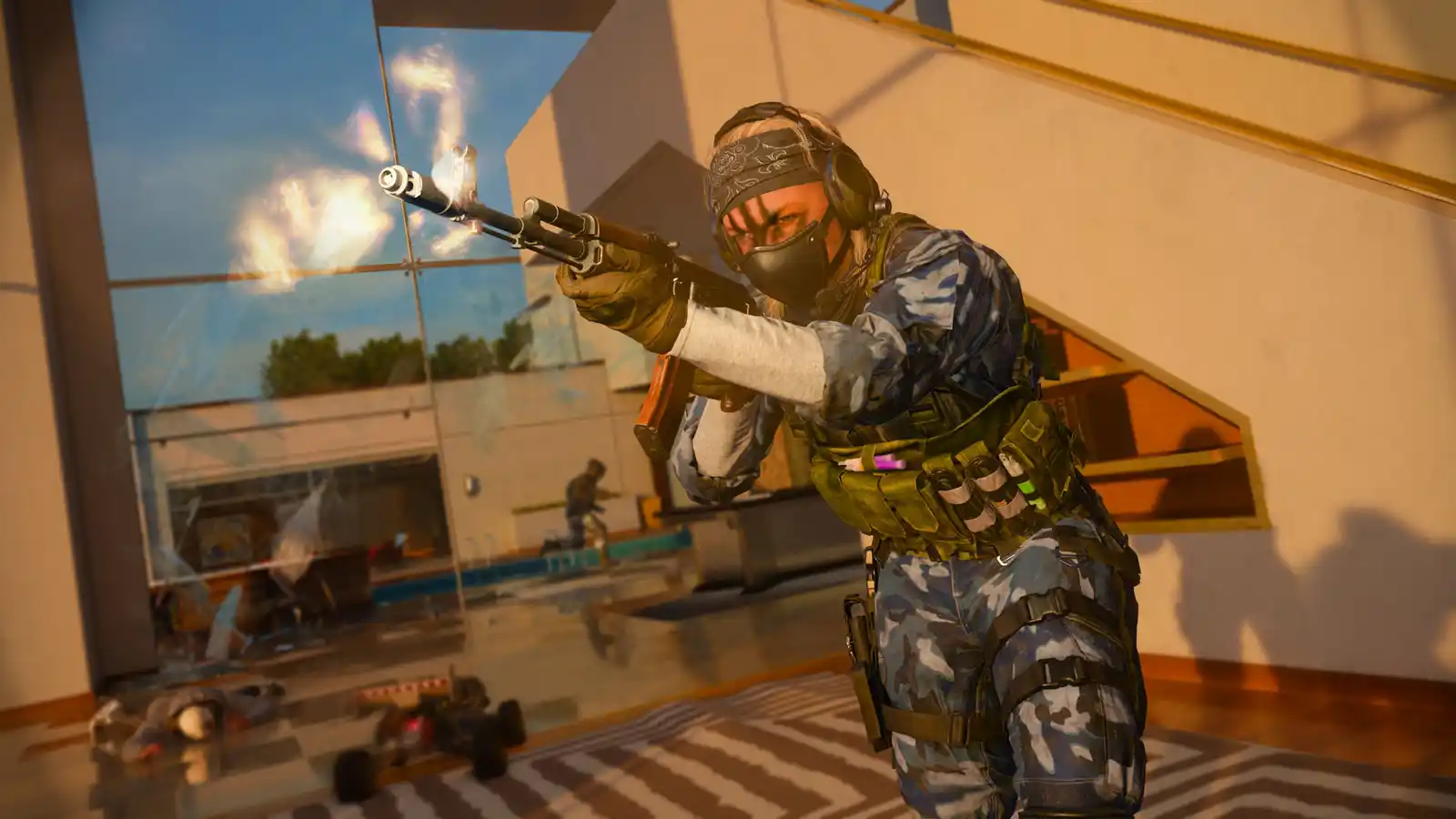
Tired of not conquering Verdansk because the open runways of the Airport look tricky? Are the tight corners of the Stadium hard to pass? A VPN will help you surpass your gaming limit with competitive gameplay and bot lobbies. Below are the main benefits Warzone players could achieve by opting for the best Warzone VPN!
1. Get Into Easier Lobbies
A VPN simply changes your location, and this is insanely helpful considering you get to choose a country’s server with players matched to your level. You can also connect to the regions where the peak gaming hours aren’t the same as yours.
If you are wondering if a VPN might disable the SBMM (Skill-based match making), that’s not the case. The objective is to maximize your chance of getting into easier or bot lobbies, and that’s all.
2. DDoS Attacks Mitigation
DDoS attack in Warzone is simply an attempt to overload your IP address with unwanted traffic, rendering you disconnected during tournaments and high-stakes gaming matches. Gaming VPNs provides protection against DDoS attacks by forming a shield around the original IP address that leads to:
- Protection of your home internet
- Will not disconnect you during game
- Instant reconnection to other servers
- Will not reveal your location to cyberattackers
3. Stops IP Tracking and Cyber Harassment
Cyberbullies are everywhere, and one of their major attempt is to find your real IP address, trace your location, and then harass you online. Since a VPN user has a completely different IP address, that leaves no reason for gaming trolls to track your lobby history or find your location.
4. Prevent ISP Throttling by ISPs
Your internet speed is determined by your ISP, and they surely do not like you streaming or gaming at full throttle speed. So, they cut down a big chunk of your internet speed, which is called ISP throttling.
Now, they can do this after they trace your data, but a VPN hides it so remarkably that the ISPs cannot throttle the traffic intended for gaming. In short, it gets you:
- Better ping
- Smooth gameplayer
- Negligible pocket loss
Finding the Best VPN to Use in Warzone
To choose the right VPN for Warzone, you must ask if it has the following features:
WireGuard Support to help you connect to Warzone lobbies with the best speed and minimum latency.
Split Tunneling, a must-have feature to assign only the Warzone game to be routed or use a VPN. This will skip other apps and get you the best connectivity and privacy.
Internet Kill-Switch is proposed by many VPNs nowadays, which prevents IP leaking in case of a VPN connection drop. Your anonymity will be 100% guaranteed with this feature.
Look for the servers close to your region. If a VPN has them, it would be easier for you to achieve the lowest latency.
Other than this, an ideal VPN for Warzone must have a no-log policy that keeps your slate clean, a large fleet of advanced servers for reduced congestion. And responsive customer support is also considered important since they can assist you with the VPN setup and other Warzone-related queries.

Setting Up a VPN for Warzone
Whether you are looking to play Warzone on your PC or gaming consoles, a VPN is very easy to use alongside.
If you are a PC player
- Download and install a VPN on your PC or laptop (preferably with WireGuard or OpenVPN support).
- Launch the VPN app, go to the Kill-switch feature and enable it.
- Choose a server close to your region (for minimum ping).
- Now run the Warzone game for a quick test, play a few matches to find if a ping is low.
- Switch to a different server if the ping is still high.
For Consoles including PS5/Xbox Series X/S/Xbox One and PS4 users
- It is considered best to connect your console to a VPN-enabled router or PC hotspot.
- For PC hotspot, make sure the firewalls are configured right and don’t use the kill-switch feature if it blocks all the traffic.
- Choose a server and test by playing a multiplayer game.
Best Servers to Pick in VPN for Warzone
If you are an ardent Warzone player, you must know that picking a server close to your location is the first thing you would do, or pick the country where the game server is located.
- Next, avoid over-crowded servers due to the load, which will hinder your gameplay.
- Pick a server from your neighbouring country if your IP address has been subjected to ISP throttling.
- Keep checking for the pings.
- Testing at different times will also affect the performance and overall gameplay.
Conclusion
Conceived by millions of Call of Duty: Warzone gamers, a VPN is an essential tool to find easier lobbies, protect your IP address and Warzone ID from the snoopers, minimize DDoS attacks, and, most essentially, an interruption-free and immersive gameplay. There’s always more you can get with low-latency, and a VPN helps you out in the most effective way. But as a Warzone gamer, it is our duty to use smart tools like these cautiously and responsibly.