How to Deactivate Snapchat Account [2025 Guide]

Deactivating a Snapchat account is either due to a break from social networking sites, or you simply want to keep your digital footprint clear. After all, Snapchat gives you an option to deactivate your account before deleting it. This will get deleted after 30 days, till you can make up your mind about it. Snapchat is a popular messaging app that features disappearing messages for the first time, and the filters are way too entertaining.
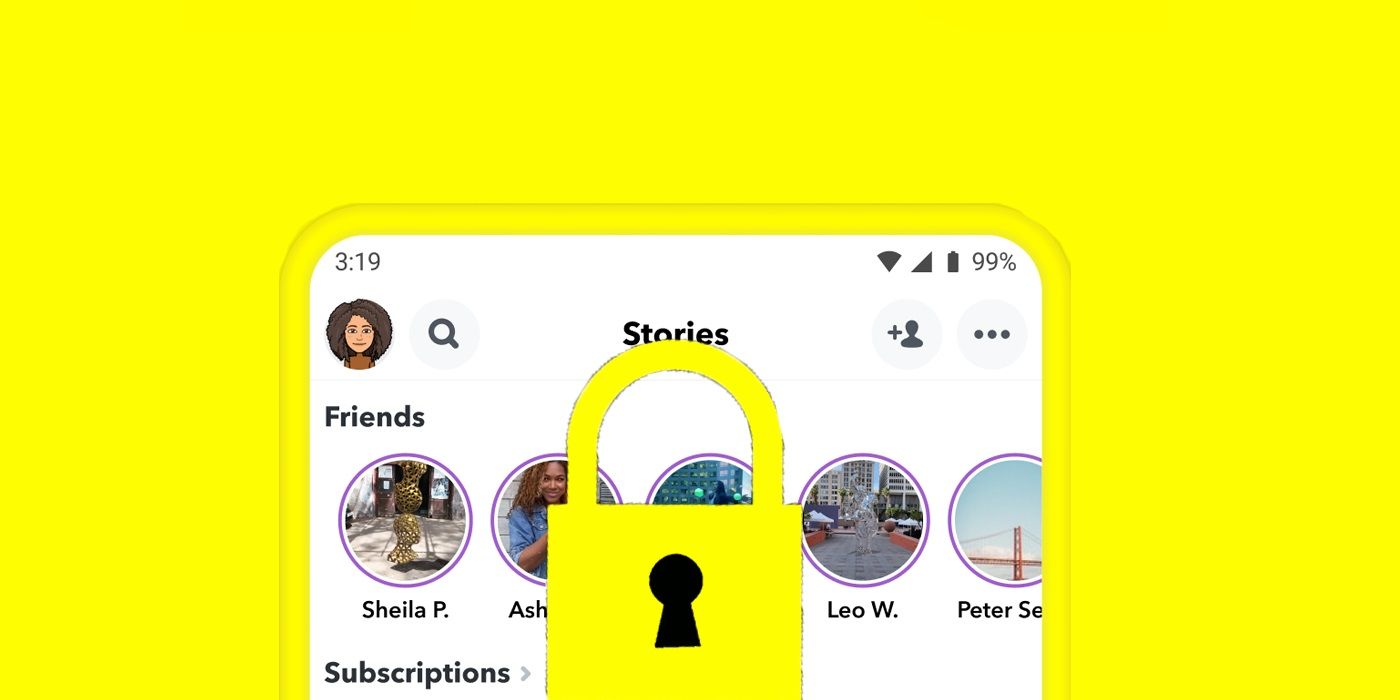
If you want to deactivate your Snapchat account in 2025 to protect your digital privacy or due to some other reasons, this guide will explain the hassle-free ways to do so.
Deactivate Snapchat Account in 2025

Snapchat users who are wondering how to deactivate their account in 2025 must follow these steps:
- Access the Snapchat web portal.
- Enter your credentials (username and password).
- For those having two-factor authentication enabled on their device, a code will be sent to their mobile device.
- Tap Delete, and then re-enter your credentials.
- Your account will be deactivated for 30 days.
- Do not log in for 30 days straight, and your Snapchat account will be permanently deleted.
You can say goodbye to all of your snaps, chats, friends, and avatar once your Snapchat account is deleted.
How to Deactivate a Snapchat Account on iOS
On an iOS device, you can deactivate a Snapchat account just like you would on Android; however, a few steps are different in the iOS case.
- Open the Snapchat app and go to the Settings.
- In the support section down below, go to the I Need Help option.
- Touch Managing My Account > Delete or Reactivate My Account > How do I delete or reactivate my account?
- Go to the Snapchat portal link.
- Enter username and password.
- Tap Delete My Account and enter your credentials again to confirm.
Why Do People Deactivate Snapchat?
In 2025, we found out that a large number of Snapchat users are deactivating their accounts because:
- Due to privacy concerns, Snapchat and other social networking sites gather a massive amount of user data, which has led many people to consider deactivating their social networking apps for good.
- Some users decided to focus on their health by reducing their screen time; this is where deactivating Snapchat accounts comes up.
- To avoid the risks of cyberattacks, deactivating a Snapchat account gives some users a sense of relief from data leaks, phishing attacks, and multiple types of breaches.
- After encountering online harassment and inappropriate contact, thousands of Snapchat users deactivate their accounts each day to avoid this mental stress.
What information does Snapchat collect about you?

Snapchat is rumored to collect the following data of its users; however, they do not sell it.
- Personal information about users, such as their name, phone number, email ID, and date of birth.
- Device information like phone model, IP address, and carrier.
- Location history of a user through GPS, Wi-Fi, and Snap Map history.
- In-app behavior like setting or receiving a snap, stories, and search history.
- If your contacts are synced, it will collect contact details too.
- Contents created by the users, i.e, photos, videos, messages.
- Ads that you view and profiles that you visit.
- Purchasing history and payment details.
What does a VPN do on Snapchat?
- Masks your IP address and encrypts your connection while you are on Snapchat or some other social networking site to prevent tracking and unwanted data gathering.
- Targeted apps are based on users’ behavior, and these can be blocked if you are using a VPN.
- You’ll be able to bypass geo-restrictions with a VPN. If Snapchat is no longer available in your region, using a VPN server will help you access its account portal for deactivation.
- You can use a VPN alongside Snapchat to protect your privacy and to enhance online security.
Conclusion
Deactivating a Snapchat account isn’t the answer to your online privacy issues, especially if you are on many other platforms. You can have productive and actually effective forms of cybersecurity solutions that are both affordable and protect you from the dangers of the surface, deep, and dark web. Virtual Private Networks like Ivacy VPN bolster privacy protection on your device by hiding your IP address, encrypting your connection, and having a no-logs policy, all the essential ingredients to protect your privacy while online.

Frequently Asked Questions
How do I reactivate a deactivated Snapchat account?
Log in within 30 days of deactivation to reactivate your Snapchat account.
Can you ask Snapchat to delete your account?
Yes, you can go to Snapchat’s account portal to ask them to delete your account. It will first deactivate it for 30 days unless you change your mind to get it back. After 30 days, your account will be deleted automatically.
Why is there no delete account option on Snapchat?
You cannot delete the Snapchat account right away, but it will provide you 30 days during which you shouldn’t log in again if you want to delete it permanently.