How to Improve VPN Speed in 2025

If you are an avid VPN user, you likely already know how a VPN affects your internet speeds. You may gain the added benefit of enhanced security and privacy, but you will need to compromise on your download and upload speeds. If you do not want to compromise your download and upload speed, you can use the following tricks that are 100% practical and effective to improve your VPN speed.

Changing Your VPN Settings
Before anything else, ensure that your VPN service is genuinely the cause of the issue. More often than not, the internet service providers are throttling internet speeds or simply lacking service provision capability. And only you who have identified your VPN service as a determining factor should consider the tactics discussed below.
How to Improve VPN Speeds [2025 Guide]
There are several ways of improving your VPN connection speeds. From switching servers to changing protocols, there is a lot that you can adopt. Please have a look at each of them in a bit of detail.
Always Use Paid VPNs
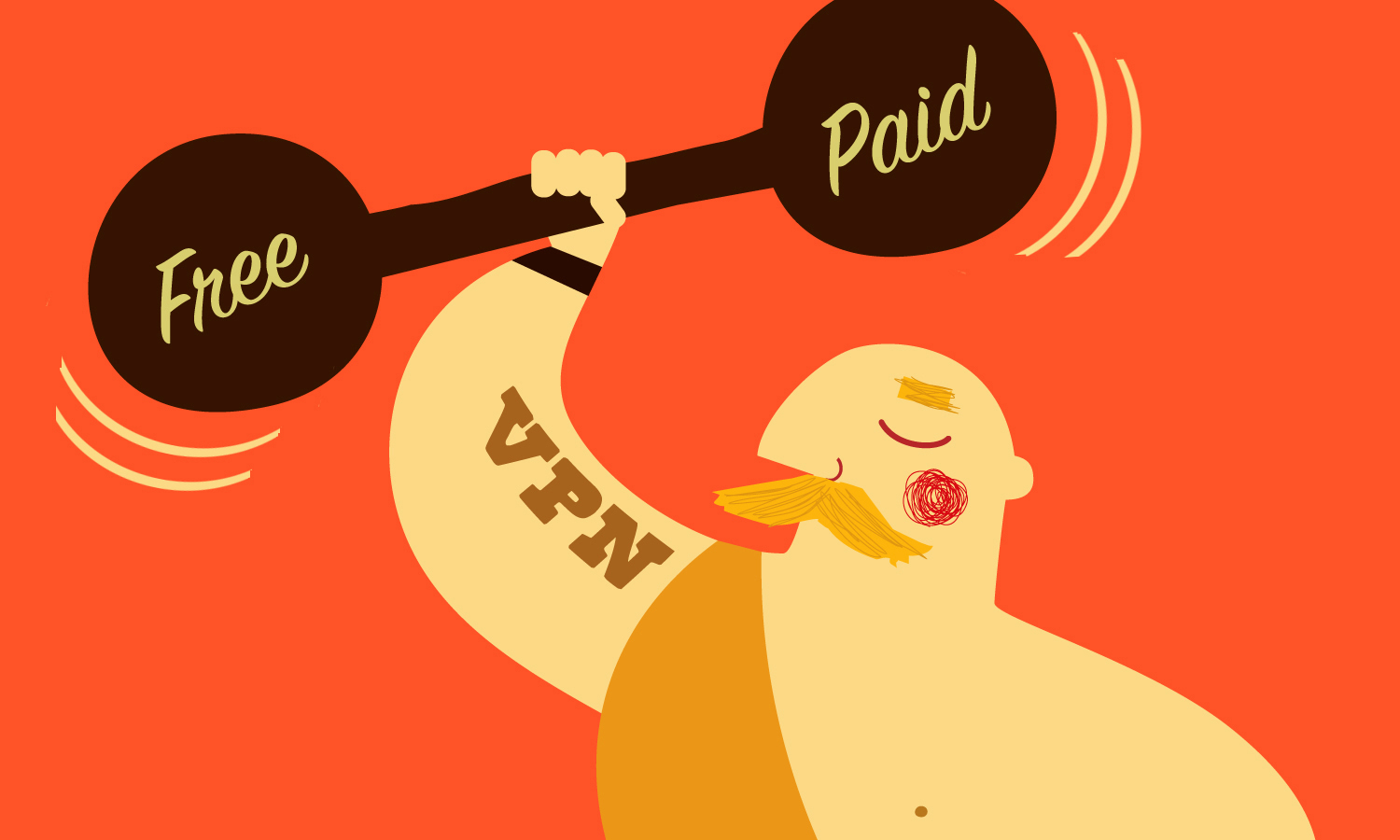
The market is filled with VPN service providers from around the world. And in the mix, you will find both free and paid VPN plans. A free VPN plan may tempt some to consider it, but it is rarely the smart thing to do. A free VPN plan is not just a risk to your security and privacy; it won’t guarantee good internet speeds either.
A paid VPN plan, on the other hand, is preferable. Since the VPN Service is charging you, they are less likely to sell off your personal information to third parties to earn revenue, so security is covered. Additionally, since they are receiving money from customers, they will be more concerned about offering a higher quality of service, and VPN speed is probably the most significant factor to consider.
Switch VPN Servers
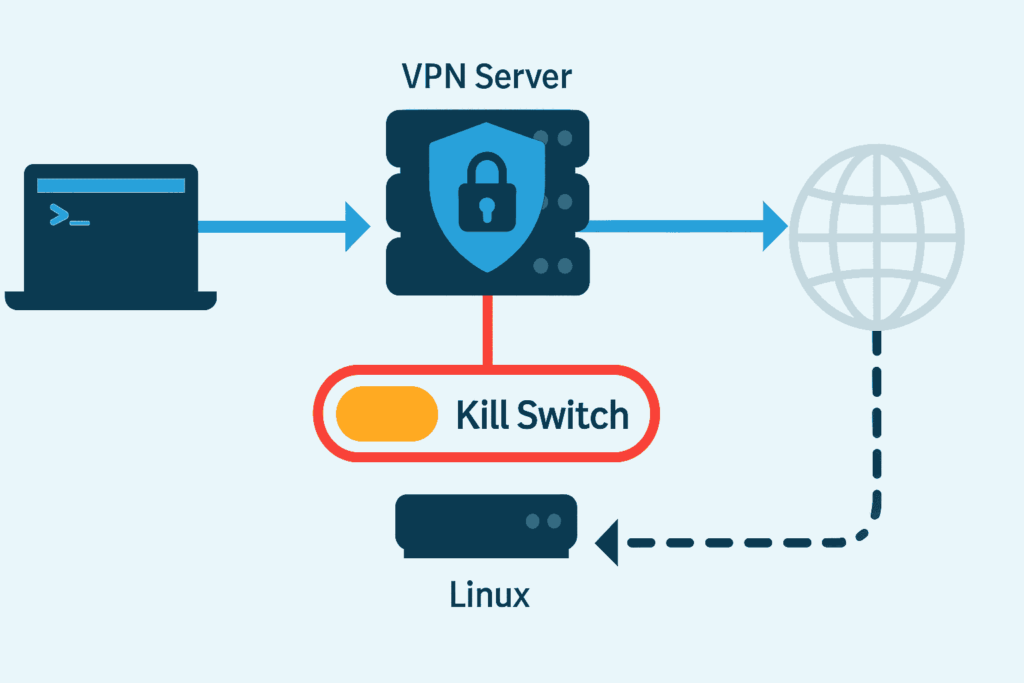
VPN services typically host a vast network of servers in multiple regions. It is even a determining factor when choosing between VPN service providers. VPNs with limited server networks in a single region are not worth the shot.
Try switching to a different VPN server if you ever find yourself struggling with internet speeds on a VPN connection. For instance, Ivacy VPN will allow you to connect to the fastest available server nearby so that you do not face any suffering when it comes to internet speeds.
Restart Your System

Often, it is the system connected to the VPN that is causing problems. It may not be necessary to take the strong measures to improve your VPN speed. Simply restarting your device will help you clear the cache and end the processes that may still be running and consuming the internet.
Reboot Your Wi-Fi Router
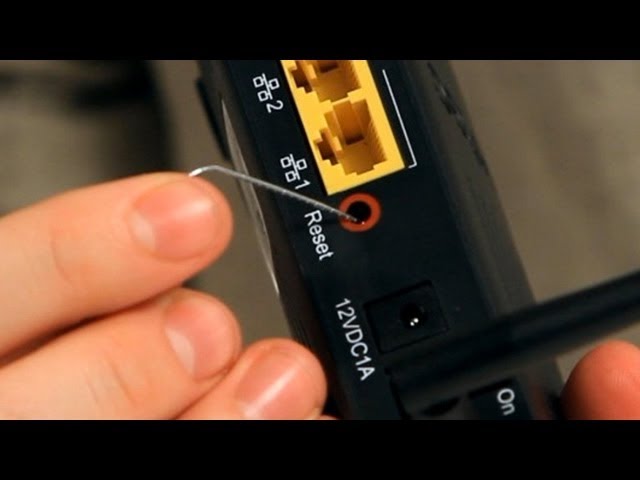
Then there is the internet router, a magical device that gives you the power to connect to the internet wirelessly. No longer would you need a tangled wire to gain an internet connection. But this leaves users with only one problem: an outdated firmware! This is why users must update their router’s firmware on a regular basis.
Run a System Virus Scan

The firewalls and antivirus software installed on your devices are there for a reason. They are there to prevent any threats from corrupting your system. And if necessary, take measures to eradicate the corruption as soon as possible. You should maintain and keep the antivirus software up to date so it can defend you against the evolving cyberthreats of 2025.
Switch VPN Protocols
.png)
A VPN usually comes with different protocols. And each protocol is designed to serve a specific purpose. While a particular protocol may prioritize security over performance, others’ main motive is to improve the overall performance while keeping the performance levels at a basic level.
Disable ISP Throttling
/VPN-stop-internet-throttling.svg)
Ensure that the VPN service you are subscribed to offers measures to counter ISP Throttling. ISP Throttling is when your ISP keeps internet speeds limited at a particular website in exchange for increasing them on a different website. The fact is that you may not even be aware when your ISP is throttling your internet speeds. Luckily, Ivacy VPN offers a defense against ISP Throttling that ensures that you do not suffer through poor internet speeds, no matter what website you visit.
Make Use of the Smart Purpose Selection Feature
This applies to some VPN service providers, though. Still, if your VPN service provider offers the Smart Purpose Selection feature, just like Ivacy VPN does, then you are in for a treat. The Smart Purpose Selection feature helps you decide system settings based on the type of internet usage you have. Let’s say, for instance, you need to go online for streaming. Then your VPN will connect through a different protocol and connect to a different server, as opposed to when you go online for shopping or mere browsing.
Wired Connection Should Still Be a Preference
:max_bytes(150000):strip_icc()/GettyImages-1442577764-0941e912f3664c37b2c6e13db1c20ddb.jpg)
While having a Wi-Fi connection at your disposal is great, it can never beat the potential of a wired connection. A wireless connection may experience performance deterioration if physical hurdles are in the way of the router and the device. In contrast, a wired connection will offer a consistent and more robust connection no matter how far away you are from the source.
Disconnect Unnecessary Devices

You may have numerous connected devices on your network. And while not every device can be disconnected from the network, it is essential to kick off a few unnecessary devices. For instance, if no one is streaming content on your smart TV, disconnect it so that you may have ample bandwidth and internet speed potential for the devices that need it.
Enable Split Tunnelling

Split Tunnelling is a feature that allows you to choose what traffic passes through the encrypted tunnel. All of the other traffic is transmitted through the regular channel. This method can improve VPN speeds since only exclusive data is transmitted through the connection.
Final Thoughts
An internet connection is always admired if it’s lightning fast, and having a slow internet connection is the same as having no internet connectivity. And add a VPN connection to a fast internet connection, and you have the ultimate connectivity and security combo. Just check out each of these methods above to ensure a safer and quicker VPN connection.

Frequently Asked Questions
Why is my VPN connection so slow?
Sometimes, too many people are connected to the same VPN server, making it work at a slow speed. You can resolve this by simply opting for a different server, something that not so many people are connected to.
Is there such a thing as a free VPN?
There are several free VPNs on the market, but connecting through any of them is not recommended. A free VPN may be selling your personal information to third parties to make up for the revenue lost. A paid VPN plan, on the other hand, is less likely to track and store your personal information.
Are VPNs actually necessary?
Yes, a VPN helps you stay anonymous without exposing your identity in the online world. It also helps you encrypt the connection, safeguard your sensntive data so it won’t fall into the wrong hands.