Guide on How to Change VPN Location
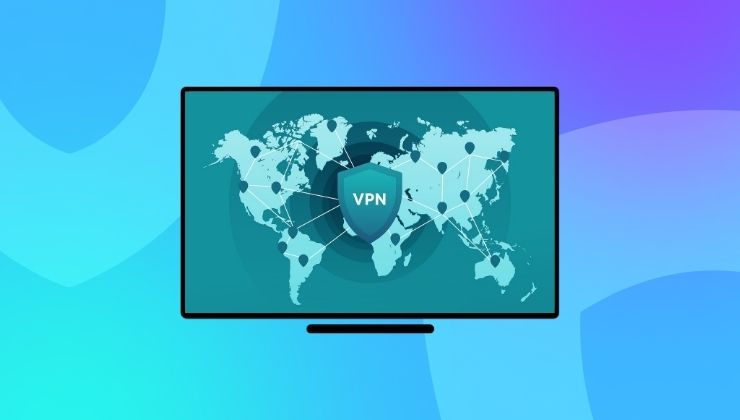
Yes! It’s legal to change your location with a VPN, and it’s an extremely easy thing to do. But what most people don’t know is that it affects your online experience significantly because then you get to access websites and streaming content that are geo-restricted. A VPN is a powerful tool for multiple uses, and switching to a different location makes it appear as if you are online from that region.
This guide explains how you can change your VPN location using a number of devices, and why it matters to provide you with an extensive reach, whether you are a novice or an advanced netizen.
Changing VPN Location Explained
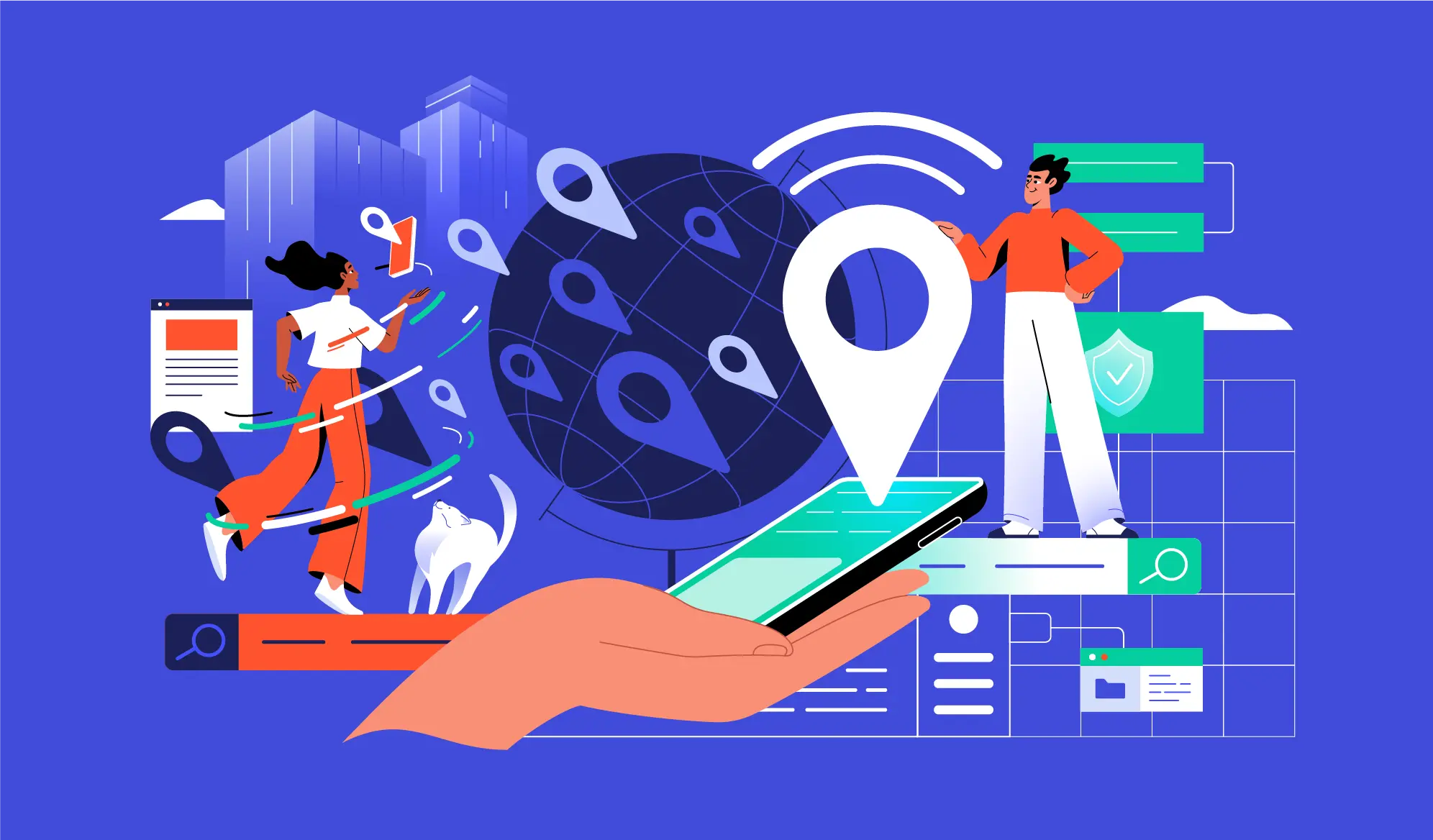
Technically, it’s not a location but a server in a specific region that a VPN assigns. When your VPN is activated, it routes your internet traffic to an encrypted tunnel and a new server; as a result, it hides your actual IP address, location, and online history.
For example, if you have chosen a server from Japan, your online content will be shown to you according to the recent location (Japan). The same thing goes for other countries, as a VPN changes your IP address instantly, giving you access to a vast variety of content.
Why would someone change their VPN location?

There are a handful of reasons you could think of as to why someone may change their VPN location. Let’s take a quick dive into the following reasons:
Bypass Regional Limitations
If you are using a different VPN location to circumvent regional barriers, you are not the only one. Millions of people need to access certain websites and apps, which they do simply by changing their location on a VPN. This gives them a whole new content library that is way entertaining than before.
Bypass Censorship
If you cannot get the actual content due to the censorship laws, changing VPN location helps you access them without getting tangled in the censorship on banned content.
More Online Privacy
Make sense! If you change your VPN location, as it also changes your IP address, you can become anonymous to everyone and surf the internet without any boundaries or monitoring.
How to Change VPN Location on Every Device
You can change the VPN location very easily, but the methods vary slightly on the latest devices.
Change VPN Location on Windows PC or Mac
- Install the VPN software on your PC or laptop and open the app.
- Log in with your credentials.
- Go to the server list and choose any country or city you want to access the content of.
- Click on “Connect“.
- Your IP address will now be shown differently. You can check it on ipleak.net or whatismyipaddress.com
Change VPN Location on Mobile (Android and iPhone)
- Download and launch the VPN app on your mobile device.
- Go to the Locations or Servers list.
- Pick your desired location. (Some VPN apps on mobile also highlight the fastest server in your region).
- Tap on Connect.
- A VPN icon will appear on the notification bar.
Change VPN Location on Smart TVs
This applies to Android TV, FireTV, and Google TV that support the VPN app.
- Go to your Smart TV’s app menu and open the VPN app.
- Sign in with your details.
- Click on Server List.
- Choose a desired region.
- Hit Connect!
If your Smart TV does not support a VPN app directly, you can still install it on a router or go for Smart DNS settings and the PC Hotspot method.
Change VPN Location on Router
Changing the VPN location on Wi-Fi will automatically change the location of devices that are connected to it. The steps are simple:
- Go to your router’s dashboard.
- Find the VPN settings.
- Configure the VPN settings as per the protocol you choose (IKEv2, OpenVPN, WireGuard).
- Upload the details given by your VPN provider.
- Select the server file of the region you want to connect.
- Save and apply the settings.
How to Choose the Best VPN Location
Based on your ulterior motive, any VPN location can be the best way to deliver an awe-inspiring online experience for you.
- For better speed and connectivity, choosing a nearby server to your location is recommended.
- Streamers can have better options if they switch to the US, UK, or Canadian servers, which have lots of streaming channels and services such as Netflix, Hulu, Max, BBC iPlayer, ITVX, Crave, and more.
- For tightened online privacy, servers from Iceland, Romania, and Switzerland are mostly preferred.
- File sharing and torrenting have a special place on the internet. VPNs like Ivacy VPN offer specialized servers for P2P and torrenting that deliver the fastest speed with remarkably low latency.

Summarizing
Changing VPN location is one of the potential ways to control your online experience. After all, your internet presence runs on an IP address that holds the key to the content you are about to see. Moreover, changing VPN location offers you an upper hand where you can protect your privacy and hide your digital footprints without being subjected to cyberattacks.
It only takes a few clicks to change VPN location on the latest computers, mobile devices, smart TVs, and routers; however, choosing the right VPN is one thing you should do cautiously, since only a few names in the biz are up for it!
Frequently Asked Questions
Is it legal to change VPN location?
A VPN app is legal in the majority of countries around the world, and so is the notion of changing location. Unless you are involved in unethical online activities, you can do it for most things.
Can a website still see my actual location?
If your VPN is running perfectly, there is no way any website could see your actual location once you have changed it. Sometimes, cookies and caches from a previous IP address could expose your real location.
Can you choose any location with a VPN?
Yes, if you are using a paid VPN service. Otherwise, you’ll get only 3-4 servers for free users.
Does VPN location affect internet speed?
If you have chosen a location far away from your actual location, it’s possible you may experience some jitters or slow connectivity.